


Why Your Laptop Will Not Charge and What to Do
September 28, 2026
Refurbished Versus New Smartphones Compared
September 30, 2026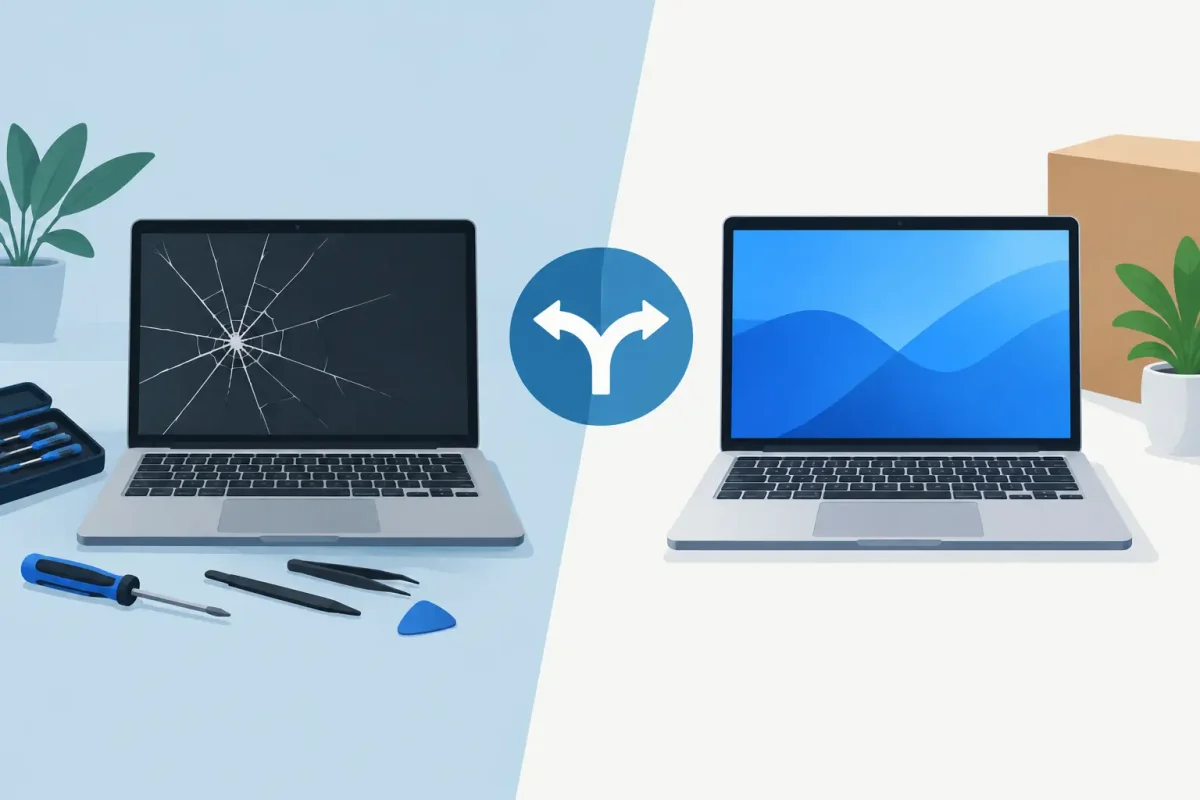
A laptop fails at the worst possible time: before a class deadline, during a work week, or when you need access to family photos and financial records. The repair versus replace a damaged laptop decision can feel urgent, but the right answer is not always buying the newest model. Many common problems, from a cracked display to a dead battery or charging issue, can be fixed for far less than a replacement laptop.
Before you spend money, look at what is actually wrong, how old the laptop is, and whether it still meets your daily needs. A quick professional diagnosis can separate a practical repair from a problem that is better left behind.
Repair Versus Replace a Damaged Laptop: Start With the Problem
The type of damage matters more than the fact that the laptop is damaged. Some failures look serious but have a straightforward solution. Others can signal an expensive chain of problems.
A broken screen is often worth repairing when the laptop powers on, works with an external monitor, and is otherwise reliable. The same is true for a worn-out battery, a loose charging port, damaged keyboard, failed fan, or software issue. These repairs can restore a computer you already know and trust without the cost and setup time of a new machine.
Liquid damage needs more caution. A spill may only affect the keyboard or charging circuit, but corrosion can spread and cause additional failures later. The sooner the device is inspected, the better the chance of preventing further damage. Do not keep charging or repeatedly powering on a wet laptop. That can turn a repairable issue into motherboard damage.
Motherboard failures, severe hinge damage that has pulled apart the display housing, and damage to multiple major components usually require a closer cost comparison. The question is not simply, “Can it be fixed?” It is, “Will the repair give this laptop enough useful life to justify the cost?”
Compare Repair Cost With Real Replacement Cost
Do not compare a repair quote only with the price of the least expensive laptop on a store shelf. Compare it with the cost of a replacement that can actually handle your work, school, gaming, or daily use.
A low-cost replacement may have less storage, less memory, a weaker processor, or a lower-quality screen than the computer you own. You may also need to pay for software, accessories, data transfer, and setup. A repair that costs a fraction of a comparable replacement can be the smarter financial move.
As a practical rule, repair is usually attractive when the cost is well below half the price of a comparable replacement and the laptop has no other major issues. That is not a hard rule. A newer MacBook, high-performance Windows laptop, or gaming laptop can be worth repairing even when the bill is higher because replacing equivalent hardware costs more.
On the other hand, replacing may be wiser if the repair is expensive and the laptop already has several warning signs: a weak battery, slow performance, limited storage, recurring overheating, or an operating system that is no longer supported.
Age Matters, but It Is Not the Whole Story
A three-year-old laptop with a damaged screen is very different from a nine-year-old laptop with a damaged screen. Newer devices generally have more useful life left, so investing in repair often makes sense.
Still, age alone does not decide it. A well-built laptop that has been upgraded with solid-state storage and enough memory may continue to perform well for years. Meanwhile, a newer budget model with very limited storage or non-upgradeable components may not be worth a large repair.
Think about what the laptop does for you now. If it starts quickly, handles your apps without freezing, and has enough battery life after repair, keeping it can be a good call. If basic browsing, video calls, or schoolwork already feel frustrating, damage may be the push you need to move to a better device.
Check software support and compatibility
Before repairing an older computer, make sure it can safely run the software you need. Unsupported operating systems can create security concerns, especially for online banking, work files, or student accounts.
Also consider whether your programs, peripherals, and school or work requirements will continue to work. A laptop that cannot support current updates may still be useful for limited offline tasks, but it may not be the right primary computer.
Consider Performance Upgrades Before Replacing
A slow laptop is not always a dying laptop. In many PCs, replacing an old hard drive with a solid-state drive can make startup and everyday use feel dramatically faster. Adding memory can also help when the system struggles with multiple browser tabs, video meetings, or office applications.
These upgrades work best when the processor is still capable and the laptop is otherwise dependable. They are less helpful for a device with constant crashes, major motherboard issues, or hardware that cannot meet your current needs.
A technician can check whether your model supports upgrades and whether the investment makes sense alongside the repair you need. Getting both answers at once helps prevent spending money on a temporary fix.
Do Not Forget Your Data
Your laptop may be replaceable. Your files may not be.
If the device will not turn on, has liquid damage, or has a failing drive, avoid repeated attempts to force it to work. Every attempt can make data recovery more difficult in certain situations. A professional diagnostic can identify whether the data is still accessible and whether it can be transferred before repair or replacement.
If you decide to replace the laptop, plan for moving documents, photos, email settings, browser data, and software licenses. This is also a good time to set up a reliable backup routine. Cloud storage, an external drive, or both can save a great deal of stress the next time hardware fails.
When Repair Is Usually the Better Choice
Repair is often the practical option when damage is limited to one major part and the laptop still performs well for your needs. A screen replacement, battery replacement, charging-port repair, keyboard repair, or software troubleshooting can extend the life of a capable laptop without creating the expense and disruption of buying new.
It is also a strong choice when you rely on specialized software, have a model with a higher replacement value, or need your computer back quickly. Waiting for a new device, migrating files, and setting up everything again can cost time that matters just as much as money.
For Charlotte-area customers, Device Doctor can inspect laptops, Macs, and PCs to identify the actual issue, explain the repair options clearly, and help you avoid paying for work that does not make sense. Certified technicians can also spot related problems before they become another surprise expense.
When Replacement Is the Better Call
Replacement makes more sense when a laptop has widespread damage or is no longer capable of doing what you need. A severely damaged motherboard, repeated liquid-related failures, or repair costs close to the value of a comparable replacement are all signs to consider moving on.
You may also want a replacement if your needs have changed. A student starting a design program, a remote worker running demanding software, or a gamer using newer titles may have outgrown a basic laptop even if it can be repaired.
If you replace it, consider selling or recycling the old device responsibly rather than letting it sit in a drawer. Some laptops still have resale value for parts or refurbishment, even when a full repair is not worthwhile.
Get a Diagnosis Before You Decide
The fastest way to make a confident decision is to get a clear diagnosis and a transparent estimate. Ask what caused the issue, whether other components show signs of wear, how long the repair should last, and whether the device is worth upgrading.
A cracked screen or laptop that will not charge does not automatically mean it is time to buy new. Get the facts first, protect your data, and choose the option that gives you dependable technology without spending more than you need to.






