
Same Day iPhone Screen Repair in Charlotte
August 8, 2026
Google Pixel Charging Port Repair That Lasts
August 9, 2026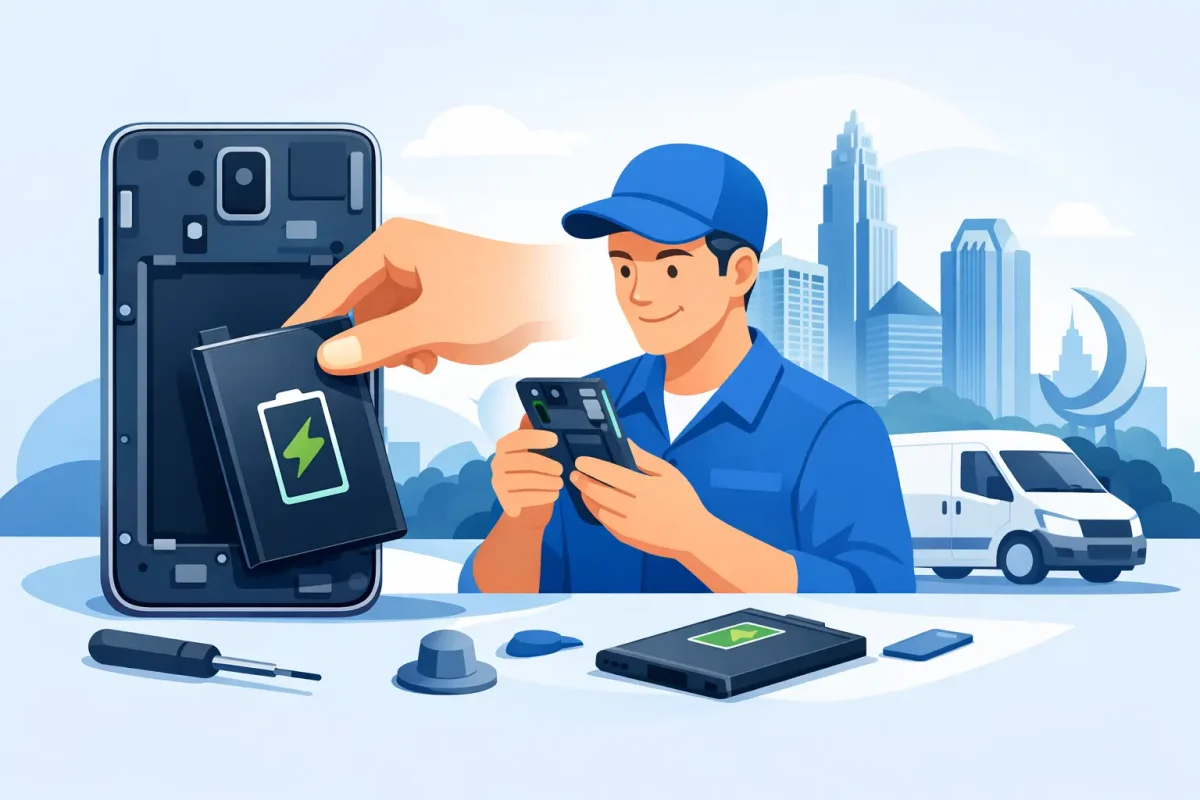
A phone that drops from 40% to 5% before lunch is more than frustrating. It can leave you without maps, messages, payment apps, work access, or a way to reach family. If you need Samsung battery replacement Charlotte service, the right first step is a professional diagnostic that confirms the battery is the problem and identifies any related charging issue.
Samsung phones are built to handle a lot, but every rechargeable battery wears down over time. Heat, frequent fast charging, heavy daily use, and natural aging all affect how long your phone can hold a charge. A replacement can make a major difference, but it should be performed carefully with the correct battery for your specific Samsung model.
Signs Your Samsung Battery May Be Failing
Battery problems do not always look the same. Some phones gradually lose endurance over several months. Others begin shutting down unexpectedly, getting hot, or refusing to charge properly. If your phone is still usable but needs to live next to an outlet, it is worth having it checked before the issue gets worse.
Common warning signs include:
- The battery drains much faster than it used to, even with light use.
- Your phone shuts off while the battery percentage still appears high.
- It takes unusually long to charge or will not reach a full charge.
- The back of the phone is lifting, bulging, or separating from the frame.
- The device becomes unusually warm during normal use or while charging.
A swollen battery needs prompt attention. Do not press the back cover down, keep charging the phone, or try to open it yourself. Swelling can put pressure on the display and internal components. Power the device off if possible and bring it in for professional evaluation.
Samsung Battery Replacement in Charlotte Starts With a Diagnosis
Not every battery complaint requires a new battery. A worn charging cable, dirty charging port, failing wall adapter, software issue, or damaged charging circuit can produce similar symptoms. Replacing a healthy battery would not solve those problems, which is why a proper diagnostic matters.
A technician can check charging behavior, inspect the port, look for signs of liquid damage or swelling, and test whether the phone is pulling power correctly. This is especially useful when a Samsung device charges only at a certain angle, repeatedly connects and disconnects from power, or shows a charging symbol without gaining battery percentage.
The model also matters. Galaxy S, Galaxy Note, Galaxy A, Galaxy Z Flip, and Galaxy Z Fold devices use different internal layouts and battery configurations. Foldable phones, for example, require extra care because of their displays, hinge assemblies, and compact internal design. A repair process that works for one Samsung phone is not automatically right for another.
What a Professional Battery Repair Should Include
A quality repair is about more than installing a replacement part. The phone must be opened without damaging the screen, back glass, cameras, cables, or wireless charging components. The old battery must be removed safely, and the replacement must be fitted and tested before the device goes back to you.
During a professional service, technicians should confirm the model, inspect the device for related damage, replace the failed battery when appropriate, and test charging and basic functionality afterward. If they find another issue, such as a damaged port or moisture inside the phone, you should get a clear explanation before moving forward.
This approach helps avoid surprise costs and repeat trips. It also gives you a realistic answer when battery replacement is not the best value. If a phone has severe water damage, a failing motherboard, or multiple expensive issues, repair may still be possible, but the decision depends on the device’s condition, age, and your budget.
Can You Keep Using a Weak Battery?
You can sometimes manage a declining battery with a power bank, reduced brightness, battery-saving settings, and fewer background apps. That may make sense if you plan to upgrade soon and the phone otherwise works well. It is not a permanent fix, and it does not address swelling, overheating, or unexpected shutdowns.
Replacing the battery is often the practical choice when the screen, cameras, buttons, and charging system are in good shape. It can extend the useful life of a phone you already know and trust, without the cost of buying a replacement device. For families, students, and commuters, that can be a smart way to keep a dependable phone in service.
A battery replacement will not make an older phone perform like a brand-new flagship model. If apps lag because the phone has limited storage, an outdated processor, or software compatibility issues, a fresh battery will improve runtime but not solve every performance concern. A straightforward diagnostic helps separate battery symptoms from broader device limitations.
Protecting Your New Samsung Battery
After a replacement, normal charging habits can help your battery stay healthier longer. You do not need to obsess over the percentage every day, but limiting prolonged heat is one of the biggest factors you can control. Avoid leaving your phone in a hot car, under a pillow while charging, or in direct sunlight for extended periods.
Use a reliable charging cable and adapter, and replace accessories that are frayed, loose, or overheating. If the phone has a case that traps excessive heat during charging, taking it off for a while can help. Keep the charging port free of compacted lint, since debris can prevent a solid connection and make charging seem unreliable.
Samsung battery protection settings can also be useful for some users. Limiting the maximum charge may reduce long-term wear when a phone spends many hours plugged in, such as overnight at a desk or bedside. The trade-off is less daily runtime, so it is best for people who can comfortably get through the day without a full 100% charge.
Local Repair for Samsung Phones Near Charlotte
When your phone cannot make it through the day, waiting weeks for an answer is not convenient. Local repair gives you a chance to speak with a technician, get the device inspected, and understand your options without guessing what is happening inside your phone.
Device Doctor serves Charlotte-area customers from convenient mall locations at Carolina Place Mall in Pineville and Concord Mills Mall in Concord. That makes battery help accessible for customers in South Charlotte, Ballantyne, Matthews, Fort Mill, Indian Land, University City, Harrisburg, Kannapolis, and nearby communities. Availability and turnaround can vary by Samsung model and part availability, so asking about your specific device before you visit is the fastest way to set expectations.
Bring the phone in with its usual charger if you suspect a charging problem. Let the technician know whether the phone has been dropped, exposed to water, overheating, or shutting down at a certain percentage. Those details can shorten the diagnostic process and help identify whether the problem is the battery alone or something else.
A dead battery should not force you to put your day on hold. If your Samsung is draining fast, running hot, swelling, or refusing to charge, get it checked while the repair may still be simple and affordable.