


How to Read Electronics Repair Reviews Well
August 30, 2026
Broken Phone Glass Repair: What to Do First
September 1, 2026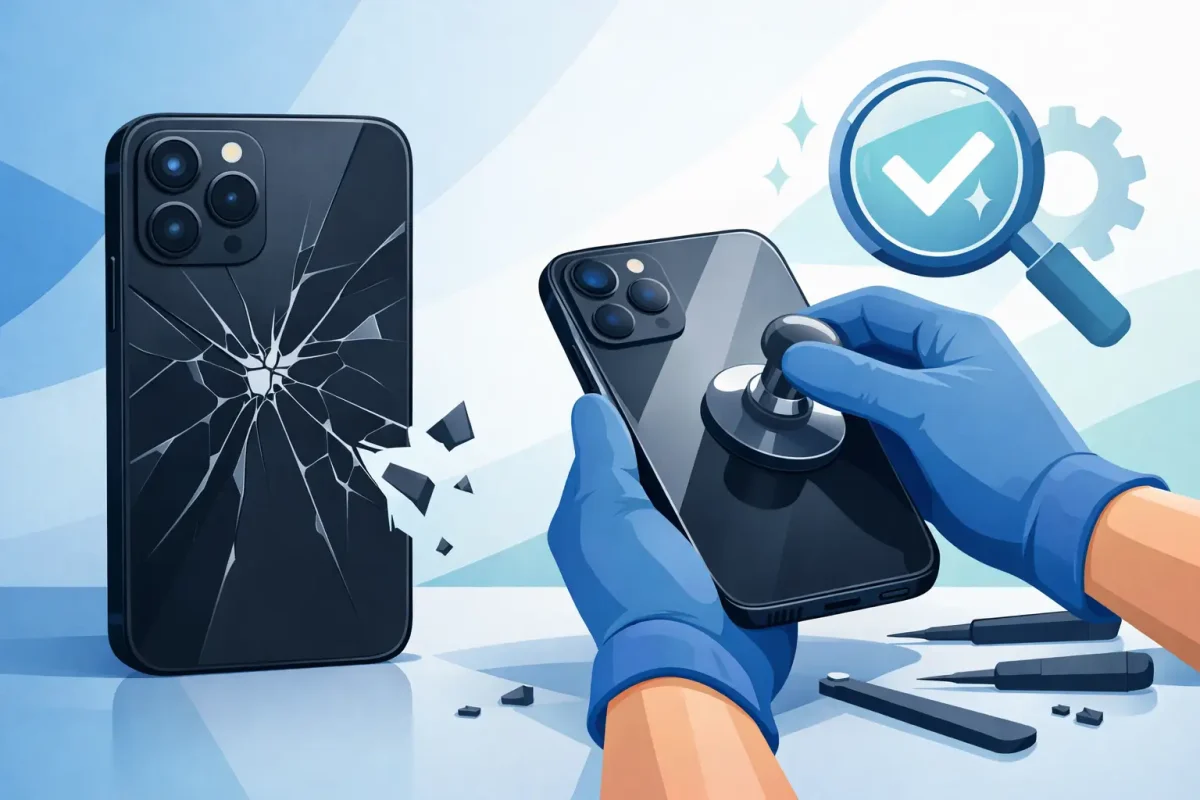
A phone can still turn on, charge, and make calls with shattered rear glass – but that does not mean it is safe to keep using. Broken back repair restores the protective housing around your phone, removes sharp edges, and helps prevent a small drop from becoming a more expensive internal repair.
Back-glass damage is especially common on newer iPhones, Samsung Galaxy phones, Google Pixels, and other premium devices. Their glass backs support wireless charging and give the phone a clean finish, but they can crack just as easily as the front screen. If your device has spiderweb cracks, missing glass, sharp spots, or a loose back panel, it is time to have it checked.
What Broken Back Repair Actually Fixes
A broken phone back is not always just a cosmetic problem. The rear glass or housing helps protect internal components from everyday moisture, dust, pressure, and impact. Once it is cracked, debris can work its way into openings around the camera, frame, buttons, or charging components.
Professional back-glass repair typically involves removing the damaged glass or rear housing, clearing away adhesive and loose fragments, inspecting the frame and internal parts, and installing a replacement back that fits correctly. The right repair depends on the phone model and the extent of the damage.
On some devices, the back glass can be replaced on its own. On others, the safer solution is a full housing replacement, where components are carefully transferred into a new rear frame. This can take more work, but it may be the better option when the frame is bent, the camera lens area is damaged, or the back is separating from the phone.
When a Cracked Back Needs More Than Glass Repair
A small crack away from the camera may not stop your phone from working immediately. Still, it is worth repairing before the damage spreads. Glass cracks tend to grow with pocket pressure, temperature changes, and one more drop.
You should arrange a diagnostic soon if the phone has any of these issues after an impact:
- The back panel is lifting or separating from the frame
- The camera lens is cracked, cloudy, or unable to focus
- Wireless charging has stopped working or works inconsistently
- The phone overheats, shuts down, or has a swollen-looking back
- There are exposed internal parts, deep dents, or sharp missing sections
A lifted back panel deserves special attention. It can happen because the adhesive failed after a drop, but it can also be a sign of battery swelling. A swollen battery should not be pressed down, punctured, or charged again until a technician can inspect it. Power the phone off if possible and bring it in for help.
Water resistance is another reason not to wait. Even if your phone was water-resistant when new, a cracked back can compromise its seals. Repair can restore the physical enclosure, but no repair shop should promise that a device will have its original factory water-resistance rating after damage and service. The practical move is to keep the phone dry and address the broken back before moisture reaches the internals.
Back Glass Repair vs. Replacing the Phone
Replacing a phone after every cracked back is rarely necessary. If the display, cameras, battery, charging port, and internal board are working properly, repair is often a more affordable way to get more life from your device. It can also protect your resale or trade-in value, since visible rear damage can lower what a buyer will pay.
That said, repair is not automatically the best choice in every situation. A heavily bent phone, severe water damage, repeated battery problems, or damage to several major parts can change the math. A good technician should explain what is damaged, what the repair involves, and whether putting money into the phone makes sense.
The model matters, too. Some phones are designed in ways that make rear repair more involved. Parts availability, whether the camera assembly was affected, and the condition of the frame all affect the final price and turnaround time. Clear diagnostics before work begins help avoid surprises.
Why DIY Broken Back Repair Can Go Wrong
Online repair kits can make back-glass replacement look simple. In reality, many phone backs are secured with strong adhesive, and the components directly beneath them are sensitive. Heat, prying tools, and broken glass can damage wireless charging coils, NFC components, camera assemblies, batteries, flex cables, and the frame.
There is also a safety issue. Cracked glass breaks into tiny, sharp pieces that are hard to remove completely. Excess heat can damage the battery, while a puncture can create a serious hazard. A replacement panel that is not aligned or sealed correctly may look acceptable at first but can lift, collect dust, or interfere with cameras and wireless charging.
For an older, low-value phone, a DIY attempt may feel worth the risk. For a phone you use for work, school, banking, family photos, or daily communication, professional repair usually offers better peace of mind. The goal is not simply to cover the crack. It is to restore the device without creating a second problem.
What to Expect From a Professional Repair
A reliable repair starts with an inspection. A technician should check the back damage along with the screen, cameras, charging function, buttons, battery condition, and frame. This helps identify hidden impact damage before the repair begins.
After confirming the repair approach, the damaged glass or housing is removed with the appropriate tools and controlled heat when needed. Loose fragments and old adhesive are cleared away, and internal components are protected during the process. The replacement part is installed, then the phone is tested for basic function, including cameras, charging, buttons, microphones, speakers, and wireless charging when applicable.
Same-day service may be available for many common models, but it depends on the device, the repair method, and part availability. A phone that needs a housing transfer or has camera and frame damage may require more time than a straightforward rear-panel repair. It is better to get an accurate timeline than a rushed repair that cuts corners.
At Device Doctor, certified technicians can inspect cracked back glass and explain the practical options before you commit. Whether you visit the Pineville or Concord location, the focus is straightforward: identify the damage, quote the repair clearly, and get your phone back in working order as quickly as possible.
Protect Your Phone Until It Is Repaired
If the phone still works, back up your important data before bringing it in. Cracked glass alone does not usually erase data, but every damaged device should be treated carefully. Make sure you know your passcode and, if requested, be ready to disable device-tracking features before service.
Until repair, avoid wireless charging if the back is badly broken or lifting. Do not tape over a swollen battery or try to push a raised panel back into place. Keep the phone away from water, avoid storing it loosely with keys or coins, and use a case only if it fits without pressing on damaged areas.
A case can reduce the risk of more glass falling out, but it is only a temporary measure. It cannot restore a compromised housing, fix a cracked camera lens, or protect exposed components from moisture.
Your phone does a lot more than make calls. It holds directions, work messages, school assignments, photos, payment apps, and the contacts you need when something goes wrong. Getting the back repaired early is a simple way to keep one cracked panel from turning into a device you cannot rely on.






