

Broken Back Repair: When Back Glass Can Be Fixed
August 31, 2026
Best Phone Repair in Charlotte North Carolina
September 2, 2026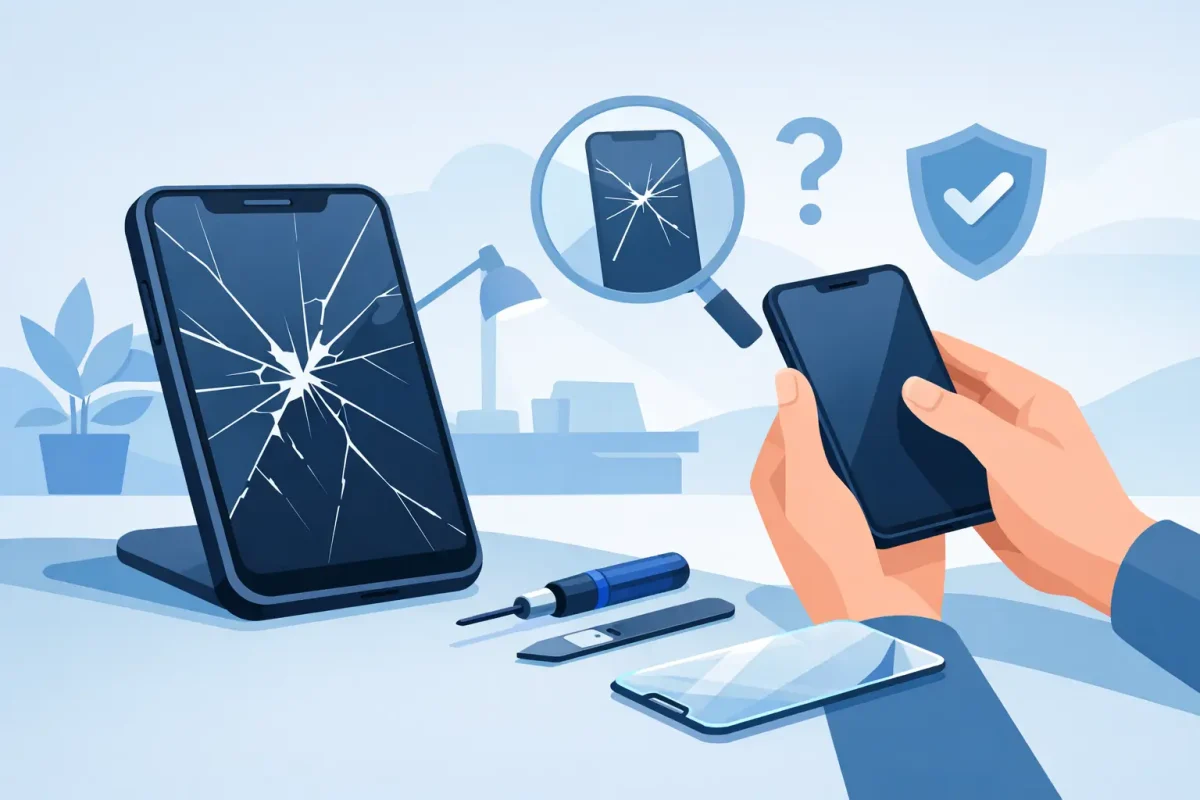
A cracked screen can go from a thin line near the corner to sharp, spreading damage after one more trip through a bag or one accidental drop. Broken phone glass repair is not just about making your device look better. It can protect your fingers, preserve touch response, and help prevent moisture and debris from reaching the parts underneath the screen.
If your phone still turns on, it is tempting to keep using it and put off the repair. Sometimes that is reasonable for a small, stable crack. Other times, waiting turns a glass-only problem into a damaged display, weak frame, or unreliable touchscreen. Knowing the difference can save you time and money.
Is It Only the Glass, or Is the Screen Damaged Too?
The word “screen” covers several parts that work together. The outer glass is the surface you touch. Beneath it are the display that creates the image and the digitizer that registers taps, swipes, and typing. On many current phones, these components are bonded into one assembly, so a proper repair may require replacing the full screen assembly rather than only the outer glass.
A crack with a clear picture and normal touch response may look minor, but it still leaves the phone more exposed. If you see black spots, colored lines, flickering, a green or white screen, dead areas that do not respond to touch, or an image that comes and goes, the display has likely been affected. Those symptoms call for prompt service.
Pay attention to the edges of the device, too. Glass that is lifting away from the frame, sharp shards around the camera or speaker, or a screen that no longer sits flush can point to more than cosmetic damage. A technician can inspect the housing and internal connections before recommending the right repair.
When Broken Phone Glass Repair Should Not Wait
A phone with a small hairline crack may continue working for a while, but certain signs mean it is best to stop waiting. Bring it in soon if the glass is splintering, the screen has darkened, touch controls are inconsistent, or the phone was dropped into water after the glass cracked. Even a light splash can reach openings that an intact screen would normally help protect.
You should also act quickly if the phone is your main tool for work, school, navigation, banking, or family communication. A display can fail without much warning after an impact. Backing up your data and arranging repair before that happens is usually easier than trying to recover access from a phone with a completely dead screen.
For parents, a broken screen is also a practical safety issue. Children can cut a finger on exposed glass, and a damaged display may respond to unintended touches. A screen protector can temporarily hold small cracks together, but it is not a permanent fix for shattered glass.
What to Do Before You Bring Your Phone In
Start with a backup if the phone is still usable. Save photos, messages, contacts, and app data through your preferred cloud service or a computer. Screen damage does not automatically erase data, but a backup gives you more options if the display worsens during normal use.
Next, remove your passcode only if your repair provider specifically asks you to do so. Most repairs can be completed with the device secured, and protecting your personal information matters. Be prepared to test the screen, cameras, speakers, buttons, charging, and biometric features when you pick up the phone. A quick test before leaving confirms that everything is working as expected.
Do not press down hard on a cracked screen to see whether it still works. Pressure can force broken glass inward and damage the display underneath. Avoid liquid screen cleaners as well if the glass is badly broken. Use a clean, dry cloth around the device instead.
Why the Cheapest Repair Is Not Always the Best Value
Price matters, especially when an unexpected drop interrupts your week. But the lowest quote does not always include the same part quality, installation care, warranty coverage, or testing as a professional repair. The goal is not simply to put a new-looking panel on the phone. It is to restore a screen that displays properly, responds accurately, fits securely, and supports normal daily use.
Part availability and device model affect cost. A recent iPhone, Samsung Galaxy, Google Pixel, or foldable device may require a different screen type and repair process than an older model. Some phones use OLED displays with deep contrast and high brightness. Others use LCD panels. Replacing an OLED screen with a lower-grade alternative can affect color, brightness, power use, and touch performance.
Ask what is included in the quoted price, whether the repair comes with a warranty, and how long the repair is expected to take. Clear answers help you compare service fairly. A trusted shop should explain the condition of your device in plain language, not pressure you into work you do not need.
Screen Repair, Back Glass Repair, and Frame Damage
Not every broken-glass repair involves the front display. Modern phones often have glass backs that crack after the same drop that damages the screen. Back glass may not affect touch controls, but it can leave sharp edges, interfere with wireless charging, and reduce the phone’s protection against dust and moisture.
Front and back damage can sometimes be repaired during the same visit, depending on the model and parts availability. If the metal or plastic frame is bent, a screen replacement alone may not sit correctly. That is why a full inspection matters after a hard impact. Repairing the visible crack while ignoring a distorted housing can lead to gaps, pressure points, or another cracked screen later.
Can You Use a Screen Protector as a Temporary Fix?
A tempered-glass protector can be useful if the crack is small, the screen is still flat, and you need short-term protection while scheduling service. It can reduce snagging and help contain loose pieces. It cannot restore damaged pixels, fix unreliable touch response, or reseal the phone against moisture.
Skip the protector if pieces of glass are actively coming loose or the display is bulging, lifting, or showing major discoloration. Those conditions need professional attention, not another layer on top. Never use tape directly over cameras, microphones, speaker grilles, or charging ports.
Choosing a Local Repair Shop With Confidence
The right repair experience should feel straightforward. Look for a shop that works on your specific brand and model, explains whether the issue is glass, display, or housing damage, and provides a clear quote before work begins. Certified technicians and a satisfaction guarantee add useful peace of mind, especially for devices you depend on every day.
For Charlotte-area customers, Device Doctor offers convenient repair support for Apple and Android phones, including screen, LCD, back-glass, charging-port, camera, battery, and software issues. Whether you are near Pineville, Concord, or commuting through the area, a professional diagnosis can keep a straightforward crack from becoming a larger device problem.
Same-day service may be possible for common models and in-stock parts, but timing depends on the device and the extent of damage. A foldable phone, a screen with frame damage, or a model with limited parts availability can take longer. Honest timing is better than a rushed repair that overlooks a second issue.
Protect Your Phone After the Repair
Once the glass is repaired, use a quality case with raised edges around the screen and camera. Pair it with a tempered-glass protector if you prefer an extra layer against scratches and minor impacts. No case can guarantee survival from every drop, but the right protection changes how force reaches the device.
Be mindful of where you keep your phone. Loose pockets, car roofs, laps, and overloaded bags account for plenty of preventable drops. If you work outdoors, travel often, or have young children sharing the device, a more protective case is usually worth the added bulk.
A cracked phone does not have to disrupt your workday, school schedule, or connection to the people who matter. Get the damage checked while the problem is still manageable, and you can move forward with a screen that is safe, clear, and ready for everyday use.






