

What a Device Repair Warranty Should Cover
September 18, 2026
Refurbished Versus Used Device Quality Explained
September 20, 2026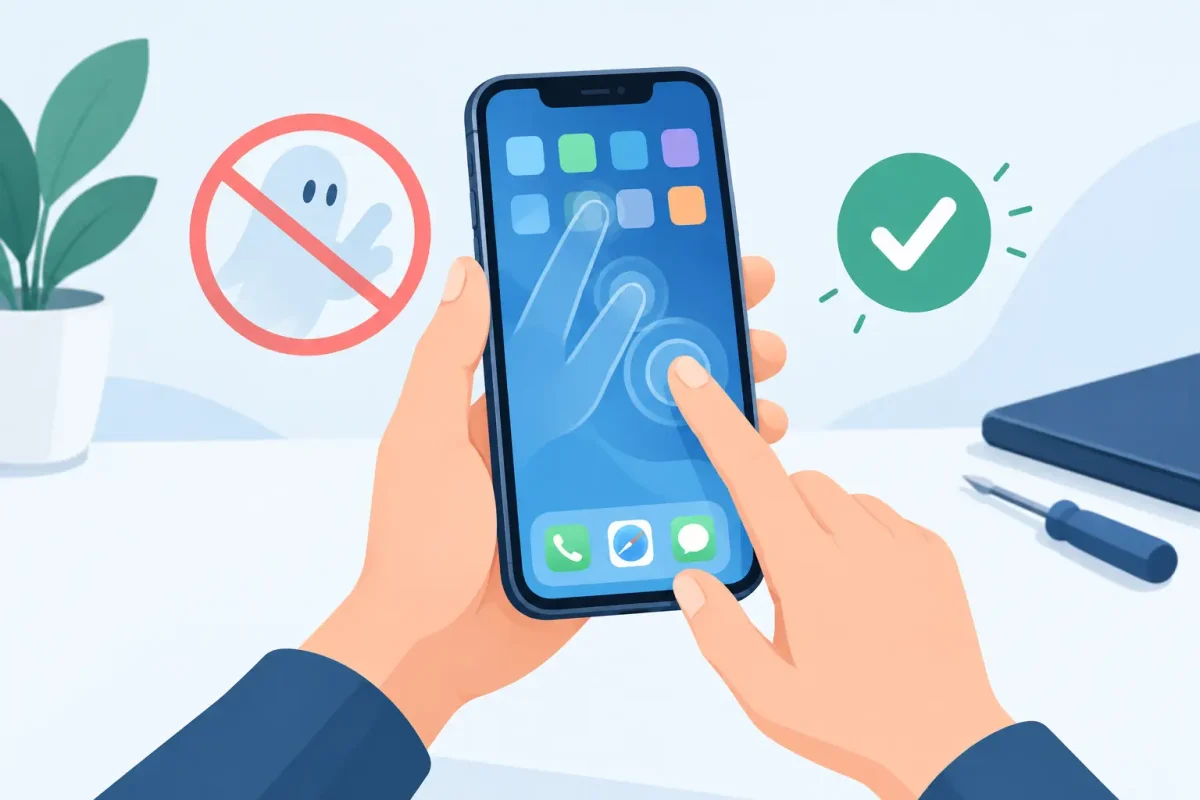
Your phone starts opening apps, typing random letters, or swiping across the screen while it sits untouched. Before you assume the phone is beyond saving, there are several practical ways to fix phone ghost touches. The right solution depends on what happened before the problem started: a drop, a cracked screen, water exposure, a recent repair, or even a bad charging cable.
Ghost touching is frustrating because it can make a perfectly usable phone feel impossible to control. The good news is that some causes are simple to rule out at home. Others point to a screen, display, charging, or internal hardware problem that needs a professional diagnosis.
What Are Phone Ghost Touches?
A ghost touch happens when your touchscreen registers input that you did not make. You may see the keyboard type by itself, apps launch unexpectedly, the screen scroll on its own, or the phone refuse to respond accurately to your real touch.
On most smartphones, the display includes a touch-sensitive layer called a digitizer. This layer reads the electrical changes from your finger and translates them into taps and swipes. When the digitizer, display connection, software, or power supply is not working correctly, the phone can misread those signals.
A cracked screen is a common reason, but it is not the only one. Ghost touches can also appear after moisture gets into the phone, after a low-quality screen replacement, while charging, or following a software issue.
Start With the Fast, Safe Checks
Before changing settings or arranging a repair, remove anything that could be interfering with the screen. Wipe the display with a clean, dry microfiber cloth, then make sure your hands are dry. Water droplets, lotion, grease, and heavy dirt can sometimes confuse a touchscreen, especially around a crack or damaged edge.
Next, remove the case and screen protector. A poorly fitted tempered-glass protector, a thick case pressing against the screen edge, or a protector with trapped moisture can cause inaccurate touch input. Test the phone for a few minutes without either accessory. If the issue stops, replace the screen protector or use a better-fitting case rather than assuming the phone needs a major repair.
Restart the phone as well. A restart clears temporary software errors and closes apps that may be freezing or interfering with touch response. If the problem happens only in one app, update that app or uninstall and reinstall it. Ghost touches that happen across the home screen, lock screen, keyboard, and multiple apps are more likely to be a device-level issue.
Check Whether Your Charger Is Causing the Problem
If ghost touches happen only while your phone is plugged in, stop using that charger until you can test another one. Faulty, damaged, or poorly made charging cables and power adapters can create unstable electrical interference that affects the touchscreen.
Try a known-good cable and wall adapter made for your device. Avoid testing with a frayed cable, loose connector, cheap adapter, or an overloaded power strip. If the screen behaves normally when unplugged but starts tapping on its own with one particular charger, the charger is the likely problem, not the display.
This is also a safety issue. A charger that makes the phone heat up, buzz, smell unusual, or flicker should be replaced immediately. Do not keep charging through those warning signs.
Look Closely at the Screen and Frame
A phone can have touch damage even when the glass is only lightly cracked. Look for cracks that reach the edge of the screen, dark spots, colored lines, flickering, lifting glass, or areas that do not respond when you touch them. These symptoms often mean the display assembly or digitizer has been damaged.
Pay attention to when the issue began. If ghost touches started right after the phone was dropped, bent in a pocket or bag, or hit on a corner, physical damage is a strong possibility. A display may still light up and look mostly normal while its touch layer fails intermittently.
A swollen battery can create a similar problem by pushing upward behind the screen. If the display is separating from the frame, the phone feels thicker than usual, or the screen is lifting near an edge, turn the phone off and do not press the screen back into place. Battery swelling requires prompt service because it can damage the display and create a safety risk.
Handle Moisture and Water Exposure Carefully
Ghost touches after rain, a spill, steam, or a damp pocket often mean moisture has reached the screen, charging port, or internal connectors. Even water-resistant phones can lose their protection after a drop, a worn seal, or a previous repair.
Turn the phone off if you suspect moisture inside. Remove the case, disconnect the charger, and gently dry the outside. Do not use a hair dryer, place the phone on a heater, or put it in rice. High heat can damage internal parts, while rice does not remove moisture from inside the device.
If the phone has been exposed to liquid and starts showing phantom taps, flickering, charging trouble, camera fogging, or speaker distortion, a professional water-damage diagnostic is the sensible next step. Corrosion can continue after the outside appears dry, so waiting may turn a repairable issue into a larger one.
Update Software Before Resetting Your Phone
Software is less often the cause of persistent ghost touches, but it is worth checking when there is no visible damage and the problem began after an update or new app installation. Install the latest system update available for your iPhone or Android phone. Updates can correct touch-response bugs, app conflicts, and security issues.
You can also restart in Safe Mode on many Android devices to see whether a downloaded app is responsible. If the ghost touches stop in Safe Mode, remove recently installed apps one at a time. On an iPhone, consider whether the behavior is limited to a particular app or begins after an iOS update.
Back up your data before attempting a factory reset. A reset can help if the cause is software, but it will not repair a cracked digitizer, liquid damage, loose display connector, failing battery, or defective replacement screen. Resetting too early can cost you time and force you to set up the phone again without solving the real problem.
When a Screen Repair Is the Most Likely Fix
A screen replacement is usually the answer when ghost touches began after a drop, the glass is cracked, part of the screen is unresponsive, or the display shows lines, flashing, discoloration, or black spots. Modern phones typically combine the screen and touch layer into one assembly, so replacing the damaged display restores both the image and touch function.
Quality matters. A screen that is not properly matched to the device or installed correctly can have poor sensitivity, display issues, or recurring touch problems. Certified technicians can inspect the screen, frame, display connectors, and battery condition before recommending a repair. That diagnostic step matters because a new screen will not solve a charging-related issue or internal board damage.
If your phone was repaired elsewhere shortly before ghost touches appeared, bring it in for an evaluation. The issue may involve the replacement part, a connector that needs attention, or damage that was already present beneath the original broken screen.
Do Not Ignore These Warning Signs
Arrange professional service promptly if the phone has a lifted screen, battery swelling, liquid exposure, a severely cracked display, overheating, or ghost touches that make it difficult to place calls or access your data. Back up your photos, contacts, and important files as soon as you can while the device is still usable.
For Charlotte-area phone owners, Device Doctor can diagnose touchscreen problems across major Apple and Android brands, including Samsung, Google Pixel, Motorola, LG, and OnePlus devices. A technician can identify whether you need a screen and LCD replacement, battery service, charging-port repair, liquid-damage evaluation, or software troubleshooting before you pay for the wrong fix.
Random taps are more than an annoyance when they interfere with work messages, school logins, navigation, and account security. Stop using questionable chargers, protect your data, and get the phone checked when the simple tests do not bring the touchscreen back under your control.






