


A Corporate Laptop Repair Example That Protects Work
September 23, 2026
Device Restoration: Repair, Refresh, or Replace?
September 25, 2026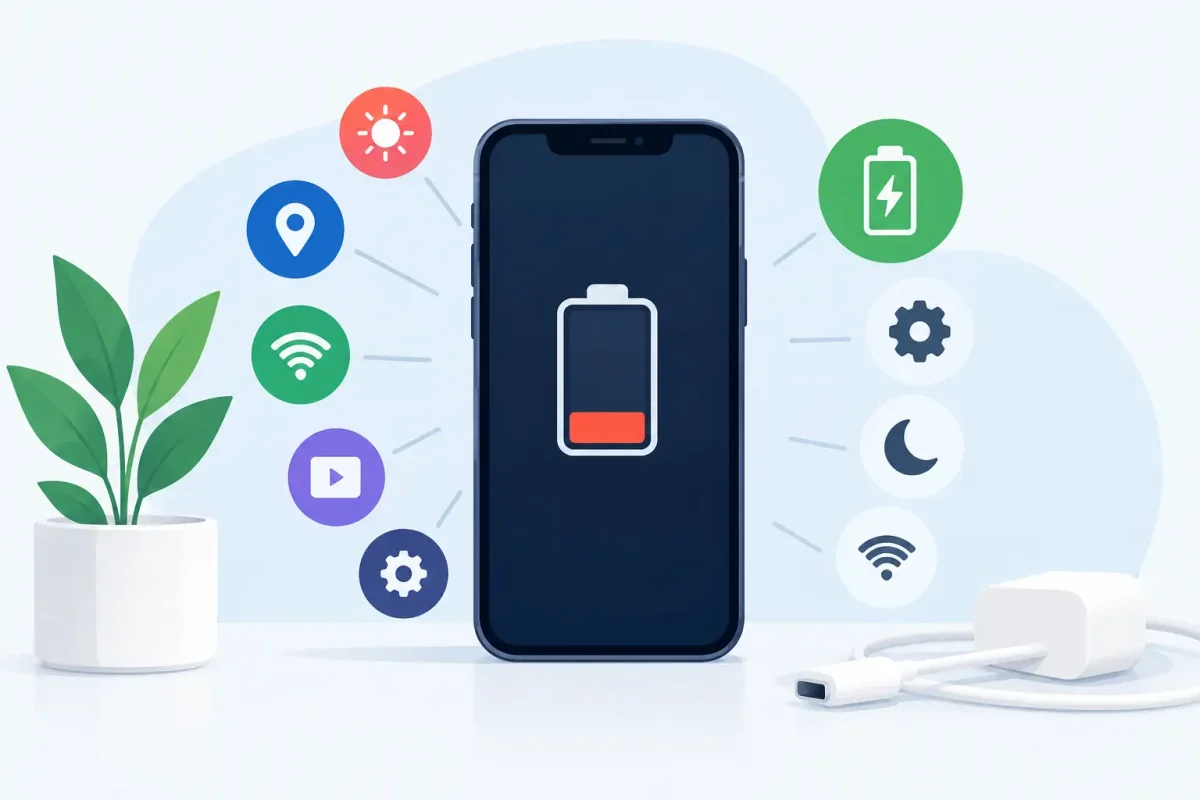
Your phone starts the morning at 100%, but by lunch it is hunting for a charger. When you are asking why phone battery drains fast, the answer is not always a bad battery. A bright display, weak cell signal, demanding apps, heat, and background activity can all consume power faster than expected.
The good news is that a few simple checks can often reveal what is happening. If those checks do not change the pattern, a battery or charging issue may need a professional diagnosis.
Why Phone Battery Drains Fast: The Most Common Causes
Battery drain usually falls into one of two categories: your phone is using more power than normal, or its battery can no longer hold as much power as it once did. Sometimes both are true, especially on a phone that is a few years old.
Your screen is using more power than you realize
The display is one of the biggest power users on any smartphone. High brightness, a long screen timeout, always-on display settings, live wallpapers, and a high refresh rate can all shorten battery life. This is especially noticeable outdoors in Charlotte-area sunshine, when your phone pushes brightness to its maximum so you can see the screen.
Try lowering brightness manually, turning on auto-brightness, and setting the screen to turn off after 30 seconds or one minute. On phones with a 90Hz or 120Hz display, switching to a standard refresh rate may help if battery life matters more than ultra-smooth scrolling.
Apps may be running in the background
A phone can look idle while apps continue working behind the scenes. Navigation apps, social media, streaming services, fitness trackers, cloud backups, email syncing, and games may refresh location data, download content, or send notifications throughout the day.
Check the Battery section in your iPhone or Android settings. It shows which apps have used the most power recently. One app at the top is not automatically a problem, particularly if you used it a lot. But an app consuming significant battery in the background when you barely opened it deserves attention.
Close or restrict the app, check for an update, or delete and reinstall it if the behavior continues. On Android, you can limit background battery use for specific apps. On iPhone, review Background App Refresh and turn it off for apps that do not need to update constantly.
Weak signal makes your phone work harder
Poor cellular reception is a frequent but overlooked reason for fast battery drain. When your phone struggles to find or maintain a signal, it repeatedly communicates with nearby towers. That extra effort can drain the battery quickly, particularly during a commute, in a large building, or in areas with spotty coverage.
If your battery drops much faster in one location than it does at home, weak signal may be the reason. Connecting to reliable Wi-Fi can reduce the load. In an area where you do not need calls or data, Airplane Mode can save power. Just remember that it also disables normal cellular service until you turn it back off.
Location, Bluetooth, and other radios stay active
GPS, Bluetooth, Wi-Fi scanning, mobile data, and hotspot features are useful, but each can add to daily power use. Location services are often the largest factor because apps may request your location more often than you expect.
Review location permissions and choose “While Using the App” instead of “Always” where it makes sense. Turn Bluetooth off when you are not using earbuds, a smartwatch, or your car connection. There is no need to shut down every feature all day, but limiting the ones you do not use is a practical way to gain battery time.
Software updates or glitches can cause temporary drain
After a major iOS or Android update, your phone may use extra battery for a day or two. It can be re-indexing photos, optimizing apps, syncing files, and finishing background setup. That temporary drain should improve after the device has had time to complete those tasks.
If the problem starts after an update and lasts longer than a few days, install available app updates and restart your phone. A restart clears many temporary software conflicts. If one particular app began draining power after an update, that app may need a fix from its developer.
When Fast Battery Drain Means the Battery Is Worn Out
Phone batteries are consumable parts. Most modern phones use lithium-ion batteries, which gradually lose capacity as they age and go through charging cycles. A battery that once lasted all day may eventually reach the afternoon with little charge left, even if your habits have not changed.
On an iPhone, check Settings, Battery, then Battery Health & Charging. The maximum capacity percentage gives you a helpful starting point. A number under 80% often points to a battery that is significantly worn, although symptoms matter too.
Many Android phones provide battery diagnostics through their settings, device care tools, or manufacturer support apps. Even when an Android phone does not show a simple health percentage, repeated quick drain, unexpected shutdowns, overheating, or a charge level that jumps around can indicate an aging battery.
A worn battery is not something a settings change can restore. Power-saving mode can stretch the remaining charge, but it cannot replace lost capacity. Battery replacement is often a more affordable option than replacing an otherwise reliable phone.
Signs You Should Stop Troubleshooting at Home
Some battery problems need more than a settings review. If your phone becomes unusually hot while charging or during light use, shuts off with battery remaining, takes hours to charge, or loses charge even in standby, it is time for a diagnostic.
Physical swelling requires immediate attention. A swollen battery can push up the screen, separate the back glass, or make the phone feel warped. Do not keep charging or using a swollen phone. Power it off and have it inspected as soon as possible.
Fast drain can also be connected to a damaged charging port, water exposure, a failing charging cable, or internal board damage. For example, a phone that only charges when the cable is held at a certain angle may have a port issue rather than a battery issue. Replacing the battery alone would not solve that problem.
Quick Steps to Improve Battery Life Today
Before assuming the worst, make a few practical changes and watch your battery use for a full day. Update your operating system and apps, restart the phone, lower display brightness, and review the apps listed at the top of your battery usage screen. Remove apps you no longer use and reduce unnecessary notifications.
Use Low Power Mode on iPhone or Battery Saver on Android when you need to make the charge last. These modes reduce background activity and visual effects. The trade-off is that syncing, downloads, and some app functions may be slower, but they are useful when you are away from a charger.
Also check your charging setup. A damaged cable or low-quality power adapter can cause slow or inconsistent charging, making it seem as though the battery is draining faster. Use a quality cable and compatible charger, and avoid leaving your phone in a hot car or under a pillow while it charges. Heat is one of the fastest ways to reduce long-term battery health.
Get a Clear Answer Before You Replace Your Phone
If the same issue continues after basic troubleshooting, a professional diagnostic can separate a worn battery from a charging, software, or hardware problem. That matters because the right repair is usually faster and less expensive than guessing.
Device Doctor can inspect battery performance, charging behavior, and related phone issues for iPhone, Samsung, Google Pixel, Motorola, and many other devices. Certified technicians can help determine whether a battery replacement is the right fix or whether another repair is needed, with clear pricing and no hidden fees.
A phone should support your work, school, family, and daily plans without making you chase an outlet. If the battery is no longer keeping up, getting it checked now can save you from a dead phone at exactly the wrong time.






