


How to Fix Phone Microphone Issues Quickly
October 15, 2026
Why Consoles Overheat Suddenly and What to Do
October 17, 2026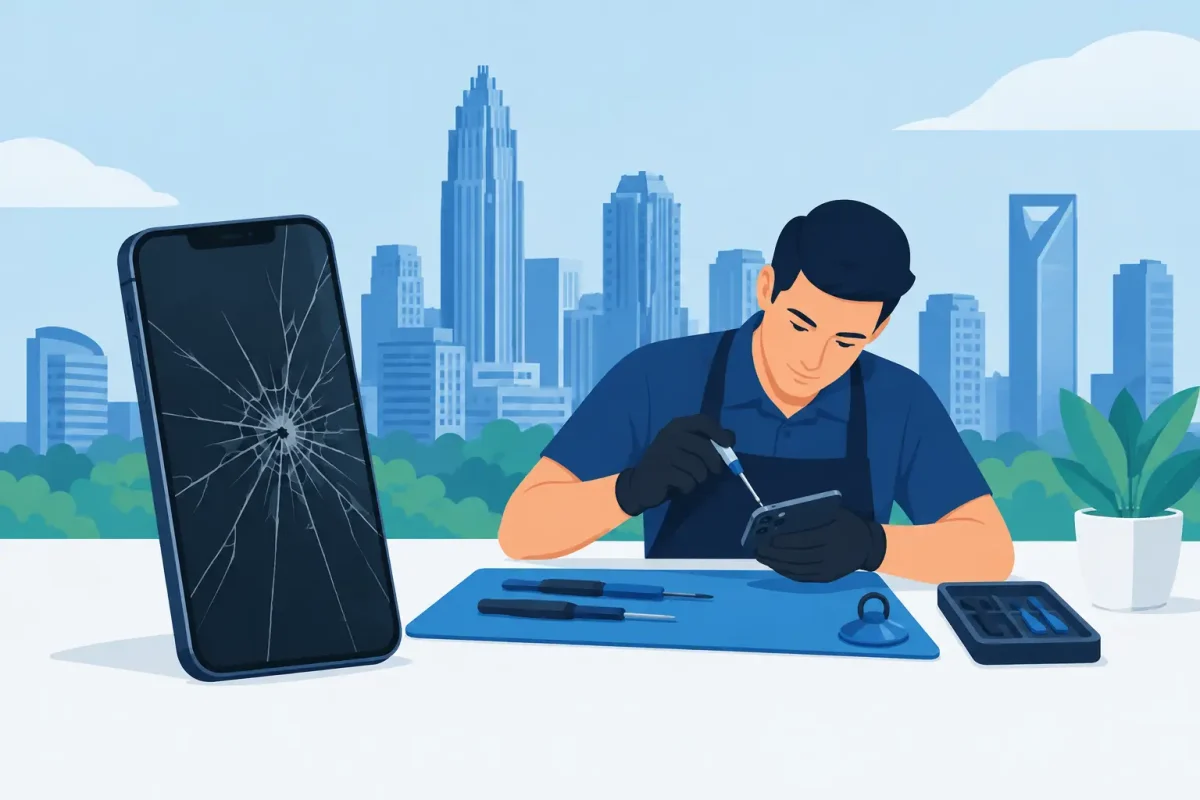
A cracked screen before work, a phone stuck at 2% battery, or a charging cable that only works at one angle can turn a normal day into a scramble. For phone repair in Charlotte, the best next step is not always replacing your device. Many common problems can be fixed quickly and affordably when the issue is identified correctly.
Phone Repair in Charlotte Starts With the Right Diagnosis
A visible crack is easy to spot, but not every phone problem is what it appears to be. A black display may be a damaged LCD or OLED panel, not a dead phone. Slow charging may come from debris in the port, a failing charging port, a worn cable, or battery trouble. A device that shuts down randomly might need a battery replacement, but it could also have software or liquid-damage issues.
That is why a proper diagnostic matters. It prevents paying for the wrong repair and gives you a clear picture of what your phone needs before work begins. A dependable repair shop should explain the issue in plain language, discuss the repair options, and provide straightforward pricing without hidden fees.
Certified technicians can diagnose problems across Apple and Android devices, including iPhones, Samsung Galaxy phones, Google Pixel models, Motorola phones, LG devices, OnePlus phones, and more. The right experience matters because repair methods, parts, and internal layouts vary by brand and model.
When a Screen Repair Makes Sense
Screen damage is one of the most common reasons people seek repair. If the glass is cracked but the display still looks normal and touch works everywhere, the device may only need a screen replacement. If you see black spots, green or white lines, flickering, dead areas, or a display that stays black while the phone still vibrates, the LCD or OLED panel is likely damaged too.
Waiting can make a cracked screen worse. Sharp glass can cut your fingers, and gaps around the damage may allow moisture and dust to reach internal components. A small crack can also spread after one more drop, especially near the edge of the screen.
Repair is usually a practical choice when the phone is otherwise working well, has enough storage, and still receives the software support you need. Replacing a screen can cost far less than buying a comparable new device, particularly on recent iPhone, Samsung, and Google Pixel models. If the phone has multiple serious issues and is several years old, comparing repair cost with a replacement may make more sense.
A Failing Battery Does Not Have to End a Good Phone
Batteries wear down over time. You may notice that your phone dies earlier in the day, drops from 20% to 1% suddenly, becomes unusually warm, or needs to stay near an outlet. These are common signs that battery capacity has declined.
A battery replacement can give a capable device a much longer useful life. It is especially worthwhile when the screen, cameras, buttons, and software are still in good shape. For students, commuters, and professionals who rely on their phone all day, restored battery life can be the difference between carrying a power bank everywhere and getting through the day normally.
Do not ignore a swollen battery. If the screen is lifting away from the frame, the back of the phone is separating, or the device feels unusually hot, stop using it and have it inspected promptly. Swelling can damage the display and housing, and it should be handled by a trained technician rather than pressed back into place.
Why Your Phone Will Not Charge
A phone that will not charge is frustrating because the cause can be surprisingly small. Pocket lint often builds up inside the charging port and prevents the cable from seating fully. A damaged cable or adapter can create the same symptoms, so testing known-good accessories first is a smart move.
If the cable feels loose, charging cuts in and out, or the phone only charges in a certain position, the port may need cleaning, repair, or replacement. Corrosion from moisture can also affect the port long after an accidental spill. Wireless charging may still work in some cases, but it is not always a complete solution if you need reliable wired charging, data transfer, or fast charging.
Avoid digging into the port with metal tools, pins, or anything that can bend the internal contacts. A quick attempt to clean it can turn a simple service into a more involved repair. Professional inspection is the safer route when the problem does not resolve with another cable and adapter.
Water Damage Needs Fast, Careful Action
Dropped your phone in a sink, pool, or rainy parking lot? Turn it off as soon as possible, remove the case, and do not plug it in. Electricity and moisture are a bad combination, and charging a wet device can cause additional damage.
Skip the rice. It does not remove moisture from inside the phone effectively, and dust or starch can create other problems. Instead, let the outside dry, keep the device powered off, and bring it in for water-damage diagnostics. A technician can inspect for corrosion, assess affected components, and determine whether cleaning or part replacement is needed.
Water damage is unpredictable. Some phones keep working for hours or days before corrosion affects the screen, battery, cameras, speaker, charging port, or motherboard. Fast attention improves the chance of saving the device and, more importantly, the photos, messages, and work files stored on it.
Other Repairs Worth Considering
Phone problems are not limited to screens and batteries. Camera repair can help when photos are blurry, the camera will not focus, or the app shows a black image. Back-glass repair addresses broken rear panels that make a phone uncomfortable to hold and more vulnerable to internal damage.
Button repair is useful when power or volume buttons stop responding. Housing replacement can restore a bent or heavily damaged frame. Software troubleshooting may resolve freezing, boot loops, app crashes, storage issues, or update problems without replacing hardware.
For certain issues, repair is only part of the decision. If a phone has severe liquid damage, a bent frame, and a broken display, the combined cost may not be the best value. A trusted technician should be willing to say so, explain the trade-offs, and help you decide whether repair, replacement, or a refurbished device fits your situation.
What to Look for in a Local Repair Shop
Convenience matters when your phone is essential to your day. Walk-in availability and same-day repair options can reduce downtime for a cracked screen or failing battery. For more complex repairs, an honest timeframe is better than a rushed promise.
Look for technicians who work across major brands rather than treating every device as the same. Ask whether the shop will inspect the device before repair, explain the recommended service, and stand behind the work. Protect your information by backing up your phone if you can and removing sensitive accessories before drop-off.
For Charlotte-area customers, Device Doctor offers local access at Carolina Place Mall in Pineville and Concord Mills Mall in Concord. That makes it easier to get a device checked while you are already shopping, commuting, or handling errands.
Before You Hand Over Your Phone
If the phone still turns on, back it up to your preferred cloud service or computer. Write down any symptoms you have noticed, such as when the problem began, whether the phone was dropped or exposed to water, and whether it behaves differently with another charger. Those details can speed up diagnosis.
You may be asked to disable a screen lock or provide access for testing after the repair. That is normal for verifying touch response, cameras, speakers, charging, and other functions, but you should always understand why access is needed. A professional shop should treat your device and personal information with care.
Your phone does a lot more than make calls. It holds directions, schoolwork, family photos, payment apps, work messages, and the small details that keep a day moving. When something breaks, get a clear diagnosis early, choose the repair that makes financial sense, and get back to using the device you depend on.






