

Device Trade In: Get More for Your Old Tech
August 24, 2026
Best Refurbished Tablets for Students in 2026
August 26, 2026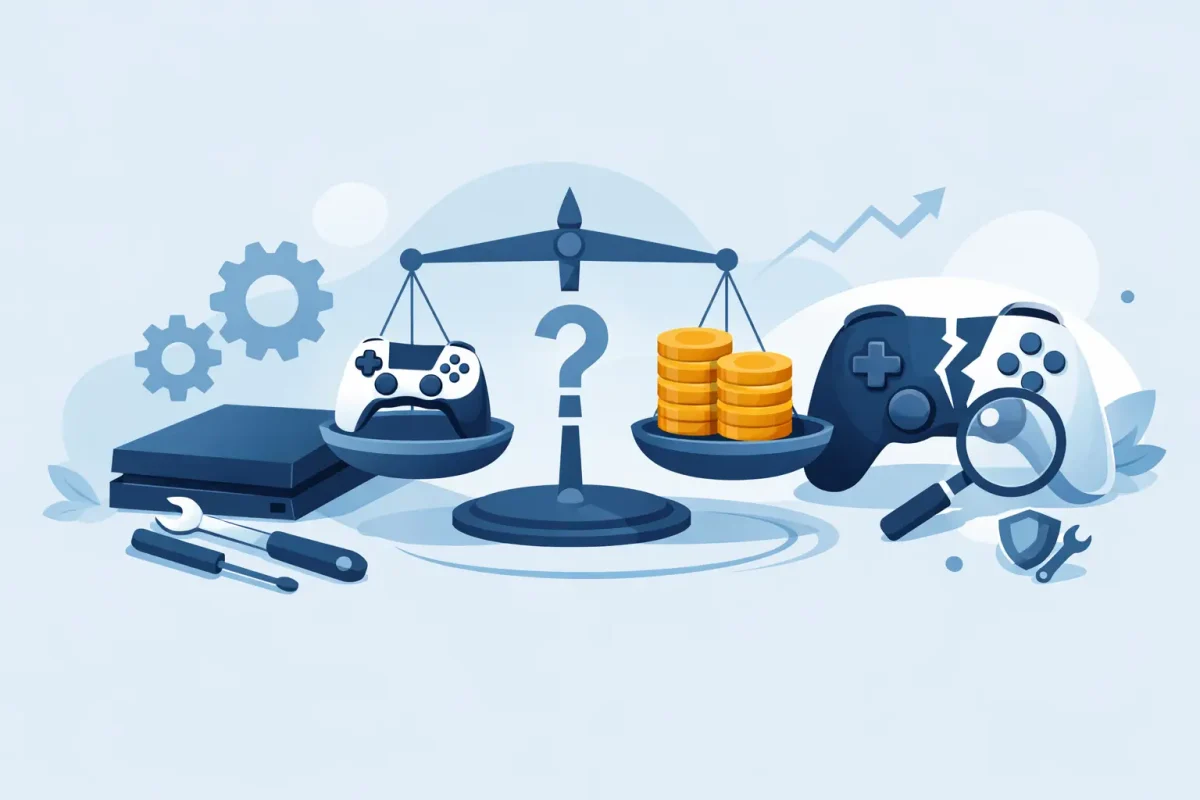
That Friday-night match should not end because your console suddenly shuts off, refuses to read a game, or will not connect to the TV. Gaming console repair is often a faster, more affordable answer than replacing a system you already know, own, and enjoy. The key is recognizing what has gone wrong before a small issue turns into lost saves, damaged accessories, or a completely dead console.
Whether you play on PlayStation, Xbox, or Nintendo Switch, most console problems leave clues. A certified technician can diagnose the cause, explain the repair in plain language, and help you decide whether fixing it makes sense for your system and budget.
When Gaming Console Repair Makes Sense
A console does not have to be completely dead to need service. In fact, bringing it in when the first symptoms show up can prevent a more expensive repair later. Overheating, repeated crashes, loud fan noise, unreliable charging, and video issues are all reasons to stop guessing and get a professional diagnosis.
Repair is usually worth considering when the console is otherwise in good condition, the issue is isolated, and replacement would cost significantly more. This is especially true for newer PlayStation and Xbox systems, Nintendo Switch models, or consoles with saved games, digital purchases, and accessories tied to your account.
It depends on the problem, though. A worn HDMI port or failing fan can be a practical repair. Severe liquid damage, extensive motherboard corrosion, or damage from a major power surge may require a closer cost comparison. A trustworthy repair shop should be upfront about that before moving forward, with no hidden fees or pressure to approve work that does not make financial sense.
Common Console Problems and What They Can Mean
The console will not power on
A no-power issue can feel final, but it is not always a failed motherboard. The cause may be a damaged power cable, a failing internal power supply, battery trouble in a handheld system, or a problem with the charging port. Before assuming the worst, try a known-working outlet and cable designed for your console.
If nothing changes, avoid repeatedly plugging and unplugging it or using an off-brand power adapter. That can make diagnosis harder and may cause additional damage. A technician can test the power path and identify whether the issue is external, internal, or board-level.
It powers on but shows no picture
A blank screen is commonly connected to the HDMI cable, TV input setting, HDMI port, or video circuitry. Start with a different HDMI cable and a different TV or monitor if available. Confirm that the TV is set to the correct input.
If the console turns on but the display cuts in and out, shows distortion, or only works when the cable is held at a certain angle, the HDMI port may be damaged. This is especially common after a console has been moved, dropped, or pulled by its cable. Do not force the connector into place. A damaged port can cause further strain on the board.
Games will not read or install
Disc-reading problems can come from a dirty or failing disc drive, damaged game discs, or software errors. Test more than one clean, undamaged disc before deciding the drive is the problem. If every game fails, spins loudly, or takes multiple attempts to load, service may be needed.
For digital games, storage capacity and software corruption can be the culprit. A console that has almost no free storage may lag, fail updates, or crash during installation. Freeing space and restarting the system may help, but recurring errors call for a closer look.
The system overheats or fan is unusually loud
Heat is one of the biggest threats to console performance. Dust can build up around air vents and fans, restricting airflow and making the system work harder. If you see an overheating warning, hear a fan running at full speed, or notice the console shutting down during longer sessions, stop playing and let it cool.
Keep the console on a hard, open surface with room around its vents. Avoid placing it inside a tight cabinet, on carpet, or next to a heat source. Exterior dust can be carefully removed, but opening a console without the proper tools can damage clips, cables, screws, or internal shielding. For persistent overheating, professional cleaning and fan or thermal service may be the safer option.
Joy-Cons, controllers, or charging ports are unreliable
Not every gaming problem begins inside the console. Stick drift, unresponsive buttons, battery failures, pairing issues, and charging problems can make a perfectly good system feel unusable. With Nintendo Switch, drifting Joy-Cons are a familiar frustration. With PlayStation and Xbox, worn thumbsticks, damaged USB ports, and battery issues can interrupt every session.
Try updating the controller firmware, re-pairing it, and testing with another cable or controller. If the problem stays with one controller, it may need controller repair rather than console service. If several controllers will not charge or connect, the console itself may be the source of the issue.
What to Do Before Bringing in Your Console
A few simple steps can protect your data and make the repair process smoother. If the console still works, back up saved data to cloud storage or external storage when your platform allows it. Do not factory reset the system unless a technician recommends it. Resetting can erase local saves and may not solve a hardware problem.
Bring the console, its power cable, and any accessory directly related to the issue. If the problem happens with a specific game, controller, dock, or charging cable, bring that too. Details matter: tell the technician whether the console was dropped, exposed to liquid, overheated, stopped working after an update, or failed after a storm or power outage.
Take a photo or short video of error messages or screen behavior if the issue comes and goes. Intermittent problems can be difficult to reproduce, and a clear example gives the diagnostic process a helpful starting point.
Repair, Replacement, or Upgrade?
The best choice is not always the newest console. If your system needs one focused repair and still meets your needs, fixing it can preserve your game library and save money. This can be particularly useful for families with multiple players, students working with a budget, or anyone who wants to avoid replacing accessories along with the console.
Replacement may be the better route when repair costs approach the value of the system, when there is serious liquid or board damage, or when you were already planning to move to a newer platform. A professional diagnosis gives you the information to make that call instead of replacing a console based on a guess.
For Charlotte-area gamers, Device Doctor provides diagnostics and repair support for PlayStation, Xbox, and Nintendo systems at convenient Pineville and Concord mall locations. Certified technicians can assess the issue, discuss practical options, and work toward a repair that gets you back in the game without unnecessary delay.
A console that will not charge, display a picture, stay cool, or read games is frustrating, but it does not automatically belong in a closet or trash bin. Bring it in while there is still a clear symptom to test, get straightforward answers, and make your next move with confidence.






