Tablet Repair Versus Replacement: What Pays Off?
October 18, 2026
A phone can slip out of your hand in one second and change your whole day. A cracked screen, damaged camera, bent frame, or phone that suddenly will not charge can make work, school, navigation, and family communication much harder. The good news is that you can protect phones from drops without turning them into bulky bricks or treating them like museum pieces.
The right setup depends on how you use your phone. A commuter who checks directions getting in and out of the car needs different protection than a parent handing a device to a child, or a student carrying a phone between classes. Start with the risks your phone faces most often, then add protection where it matters.
Protect Phones From Drops With the Right Case
A quality case is the first line of defense, but not every case protects the same areas. The thinnest cases may help with scratches and minor bumps, yet they often provide little protection when a phone lands hard on a corner. Since corners absorb a lot of impact, look for a case with reinforced edges and raised material around the screen.
For most people, a medium-profile case is the practical choice. It should have enough cushioning to handle everyday drops while still fitting comfortably in a pocket, purse, or car mount. A case that feels too large or slippery can create a different problem: you may be more likely to drop the phone in the first place.
Pay attention to fit. A loose case can shift during an impact, leaving the frame exposed. A properly fitted case should sit securely around the phone, keep buttons usable, and leave charging ports and speakers clear. If the corners are worn down, the case is stretched out, or it no longer snaps tightly into place, it is time to replace it.
Match the Case to Your Routine
People who work outdoors, use phones around machinery, travel often, or have young children may need a more protective case with thicker corners and a secure grip. For office use or careful adult users, a slimmer shock-absorbing case may be enough.
There is a trade-off. Extra protection usually means extra size and weight. That does not mean you need the biggest case available. It means choosing a case designed for the kinds of drops your phone is actually likely to take.
Do Not Skip the Screen Protector
A case helps protect the phone’s frame and corners, but the screen is still vulnerable. A tempered-glass screen protector is an affordable layer that can absorb scratches and some direct impacts before the display does. It is especially useful for phones that spend time in bags, cup holders, backpacks, or pockets with keys.
Choose a protector made for your exact phone model. An improperly sized protector may lift at the edges, interfere with a case, or leave too much glass uncovered. Installation matters, too. Clean the screen carefully, line it up before removing the backing, and press out air bubbles slowly. A protector with a few small bubbles may still work, but one that is cracked or peeling should be replaced.
A screen protector cannot guarantee that the display will survive every fall. A hard impact on concrete or a direct hit to an exposed edge can still crack the glass or damage the LCD or OLED panel underneath. But it is one of the simplest ways to reduce everyday damage.
Improve Your Grip Before the Phone Slips
Many drops happen during ordinary moments: carrying groceries, getting out of the car, reaching for a ringing phone, or using one hand while walking. Small changes to how you hold and carry your device can prevent more damage than people expect.
A grip accessory, finger loop, or secure pop-style handle can make one-handed use safer, particularly on larger phones. If you do not like an accessory on the back of your phone, select a case with textured sides instead of smooth plastic. Texture gives your fingers something to hold onto when your hands are dry, wet, or busy.
Avoid balancing your phone on your lap, car roof, shopping cart, or the arm of a couch. Those are common places where a phone slides off unnoticed. At home, give it a consistent landing spot on a desk, counter, or charging stand rather than leaving it near the edge of furniture.
For parents, setting a simple rule can help: phones stay seated when children are using them. A device is less likely to hit tile or hardwood when it is used on a couch, at a table, or on the floor instead of while running through the house.
Keep Your Phone Secure During Travel and Work
Cars, gyms, job sites, and crowded public spaces add more opportunities for drops. In the car, use a reliable mount or put the phone in a secure compartment before driving. Do not leave it loose on a seat where it can slide to the floor during a turn or stop.
When carrying a phone in a bag, use a pocket or padded compartment that keeps it separate from heavy items. Water bottles, chargers, textbooks, tools, and loose metal objects can press against the screen or damage camera lenses. A dedicated pocket also makes it easier to find your phone without digging through everything else.
At work, consider a belt clip, lanyard-compatible case, or secure pocket if your job involves climbing, bending, lifting, or moving quickly. These accessories are not for everyone, but they can be worthwhile for delivery drivers, warehouse workers, healthcare staff, and anyone who regularly handles a phone with one hand occupied.
What to Do Right After a Drop
Do not assume a phone is fine just because the glass looks intact. Take a minute to check the screen, cameras, buttons, speakers, charging port, and touch response. Open the camera and test both the front and rear lenses. Plug in the charger and make sure it connects normally. Watch for screen flickering, black spots, colored lines, a loose charging connection, or a camera that will not focus.
If your phone has a cracked screen but still works, cover sharp edges with a temporary screen protector or clear tape until it can be repaired. Avoid pressing hard on damaged glass, and do not expose a cracked phone to moisture. Even a small crack can weaken the device’s resistance to water and allow moisture or dust inside.
A phone that will not turn on after a drop may have more than a screen issue. Internal connections, the battery, charging port, camera assembly, or housing can be affected. Continuing to force-charge or bend the phone can make the damage worse.
When a Case Is Not Enough
Cases and protectors reduce risk, but accidents still happen. A screen can crack from one unlucky fall, particularly when it lands at the right angle on concrete or tile. The important thing is getting a clear diagnosis instead of guessing which part failed.
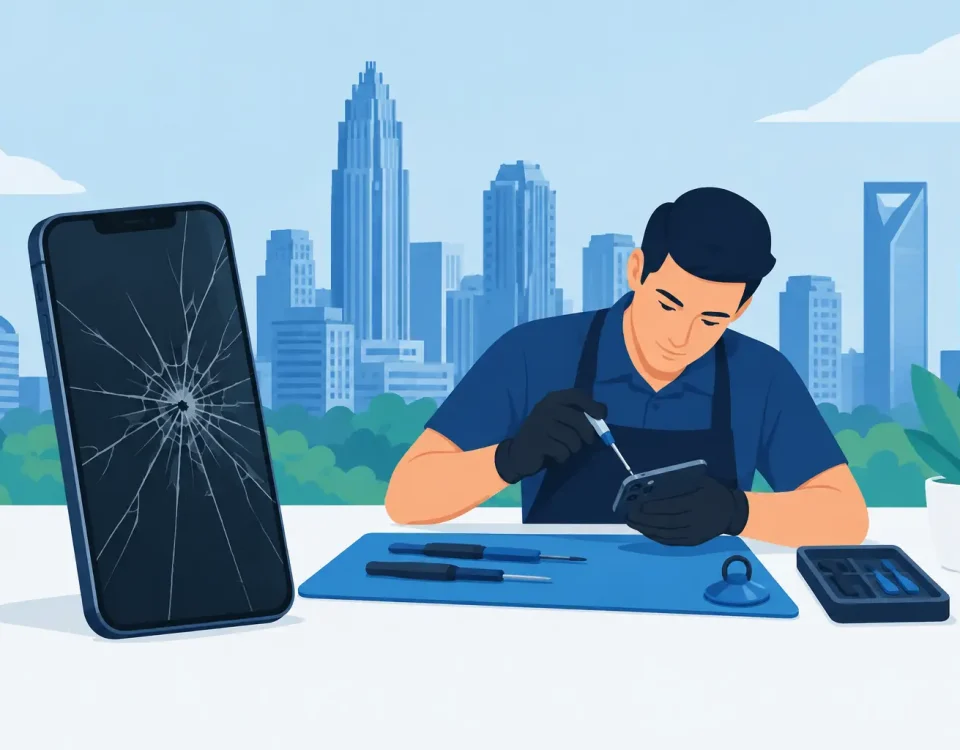
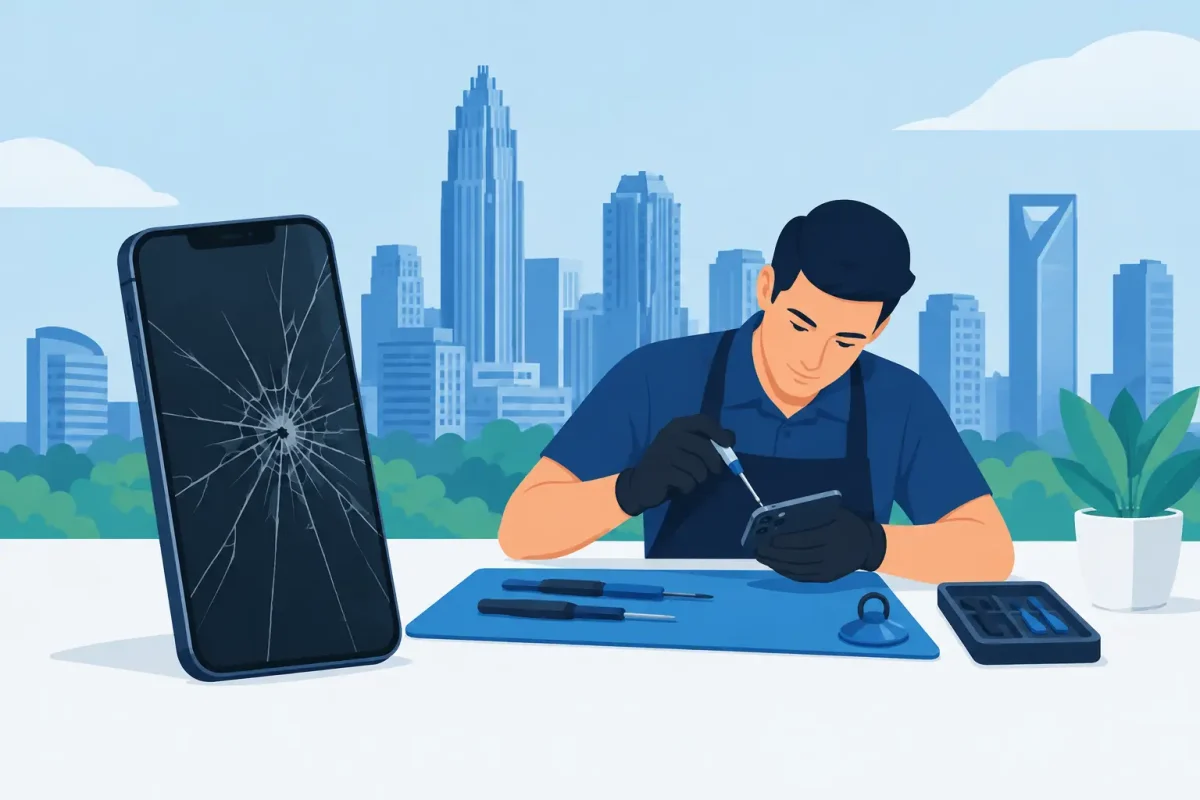
For Charlotte-area phone owners, Device Doctor can inspect drop damage and help with cracked screens, LCD issues, camera problems, back-glass damage, charging-port repairs, and housing replacement for many Apple and Android models. Certified technicians can identify whether the visible crack is the only issue or whether the impact affected parts inside the device as well.
Fast repair is often the better option than living with a damaged phone. A cracked screen can spread, exposed glass can cut your fingers, and a damaged frame may keep a new case from fitting correctly. Addressing the problem early can help prevent a simple drop from becoming a larger repair.
Your phone does not need to be wrapped in armor to stay safe. Use a case that fits your routine, add a screen protector, make your grip more secure, and give your device a safe place to go when it is not in your hand. Those everyday decisions are what keep most drops from becoming a costly interruption.