

What Foldable Phone Repairs Can Really Fix
October 11, 2026
How to Stop Laptop Fan Noise Without Risk
October 13, 2026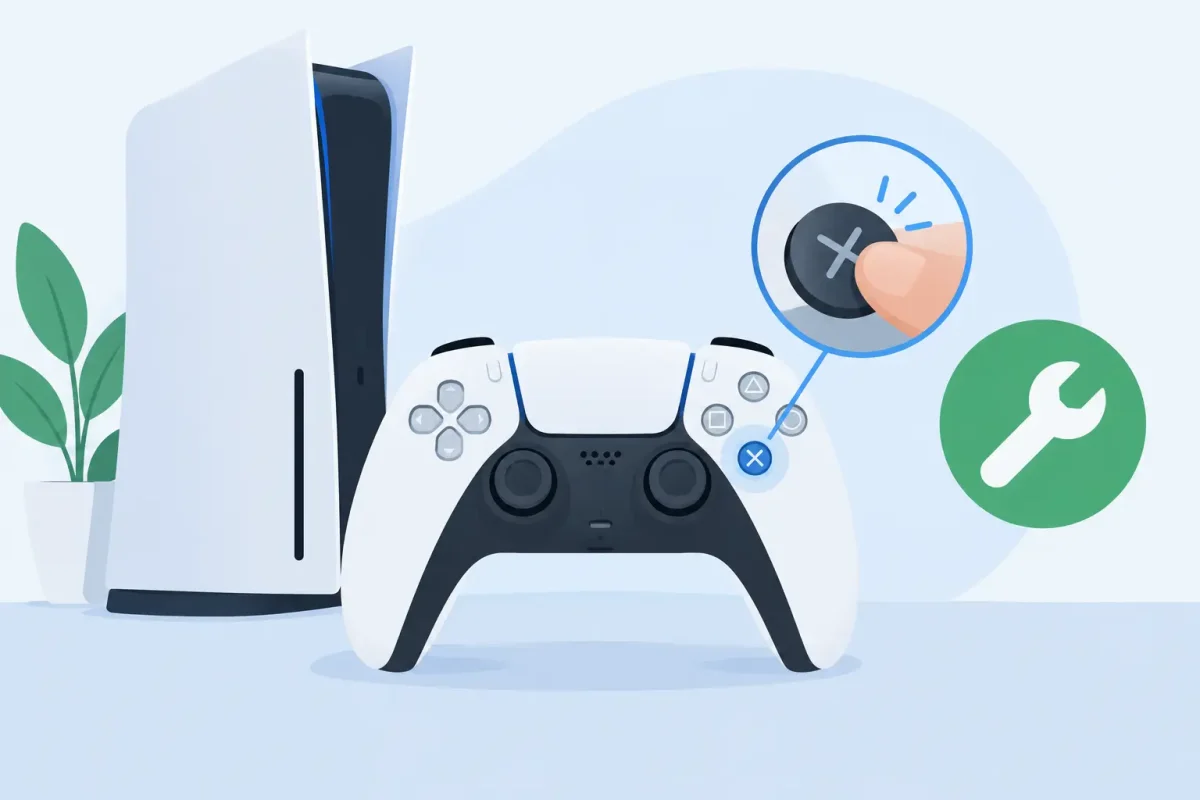
A button that only works after five hard presses can turn a close game into a frustrating loss. Whether the problem is on a PlayStation, Xbox, Nintendo Switch, or handheld system, the right way to fix unresponsive console buttons starts with identifying which buttons are affected and what happened before the issue began. A quick reset may solve a connection problem. Dirt, liquid, worn contacts, or physical damage usually needs a more careful repair.
First, identify the button problem
“Console buttons” can mean a few different things. You may be dealing with face buttons, triggers, bumpers, thumbstick clicks, the controller sync button, or the power and eject buttons on the console itself. The troubleshooting steps change depending on the part that is not responding.
Start by checking whether the issue happens in every game and menu. If one button fails only in a specific game, review that game’s controller layout and accessibility settings before assuming the hardware is bad. If the button does not work in the home screen, settings menu, or multiple games, the problem is more likely with the controller or console.
Pay attention to the symptoms. A button that feels normal but does nothing may have a software, pairing, or internal contact issue. A button that feels sticky, mushy, loose, or stuck down usually points to debris, liquid residue, or a damaged button mechanism. A button that works intermittently can be the earliest sign of wear inside the controller.
Safe ways to fix unresponsive console buttons
Before opening anything, try the simple checks that do not put your system at risk. Fully charge a wireless controller or replace its batteries, then restart both the controller and console. Low power can cause dropped inputs or pairing trouble that looks like a button failure.
Next, disconnect and reconnect the controller. On a wired controller, try another USB cable and another console port. On a wireless controller, remove it from the console’s Bluetooth or accessory settings, then pair it again. If you have a second controller, test it on the same console. This quickly tells you whether the issue is in one controller or in the system itself.
For a controller with a reset pinhole, use the manufacturer-recommended reset procedure. Usually, this involves turning off the console, pressing the small reset button with a nonmetal tool, then reconnecting the controller with a known-good data cable. Do not use a paper clip if it is likely to scratch the port or break off inside it.
If the button is visibly dirty or sticky, power the controller off first. Use a dry, soft brush around the button edges to remove loose dust. A small amount of 90% or higher isopropyl alcohol on a lint-free swab can help break up light grime around the outside of the button. Keep the swab barely damp, not wet, and do not spray cleaner directly into the controller.
Press the affected button repeatedly while cleaning around its edge, then let the controller dry completely before testing it. This can help when skin oils, snack residue, or dust is preventing the button from returning properly. It will not repair a torn membrane, damaged switch, corroded contact, or broken board trace.
Check updates and button settings
Console and controller updates can correct input bugs, especially after a system update or a new accessory connection. Update the console, then update the controller if that option is available. Also inspect custom button mapping, accessibility features, and profiles. A remapped button can feel broken when it is simply assigned to a different command.
For Nintendo Switch owners, test the controller input through the system’s controller settings. PlayStation and Xbox owners can check button behavior in system menus and with another supported controller. If the problem follows one controller across different games, hardware is the likely cause.
When cleaning is not enough
Repeated use wears down internal components. Many controller buttons rely on rubber membranes, conductive pads, microswitches, flex cables, or soldered contacts. Once one of those parts is worn, cleaning the outside may offer only temporary improvement or no improvement at all.
Liquid damage is another common cause. A spilled drink may leave sugar and minerals behind even after the surface looks dry. Those residues can make buttons stick, cause delayed inputs, and corrode internal connections over time. Do not keep charging or using a controller that was recently exposed to liquid. Turn it off, disconnect the battery or cable if possible, and have it inspected before corrosion spreads.
Physical damage matters too. A hard drop can crack the plastic button guide, dislodge a spring, damage a trigger assembly, or loosen a connection on the board. If the button sits lower than the others, rattles, or stopped working immediately after a fall, pushing harder is unlikely to help. It can make the damage worse.
The same principle applies to console power and eject buttons. If the button on the console is stuck, loose, or unresponsive, avoid forcing it. On some systems, the failure may involve the external button assembly, ribbon cable, front panel board, or power circuit. A diagnostic is safer than taking apart a console near its power supply or delicate internal cables.
Avoid these common DIY mistakes
Trying to save money with a fast home repair can be reasonable for surface dirt or a pairing issue. But certain shortcuts create a more expensive repair.
Do not flood buttons with rubbing alcohol, water, canned air held upside down, lubricant, or household cleaner. Excess liquid can travel deeper into the controller and leave residue behind. Avoid oils and sprays marketed for squeaks or stuck mechanisms. They may make the button feel better briefly while attracting more dust or damaging plastics and contacts.
Do not pry a controller open without the correct tools and a clear understanding of its layout. Modern controllers contain small clips, thin ribbon cables, batteries, and components that can be damaged during disassembly. Third-party replacement parts also vary in quality. A cheap button kit may not fit correctly or may fail sooner than an original-quality part.
If your console or controller is still under manufacturer warranty, opening it may affect your coverage. It depends on the device, the damage, and the warranty terms, so check those details before attempting internal work.
Signs you need professional console button repair
Professional repair makes sense when basic resetting, pairing, and careful exterior cleaning do not restore reliable input. It is especially worthwhile when the controller has liquid exposure, visible damage, multiple failed buttons, or a problem that returns after temporary fixes.
A technician can open the device safely, inspect for corrosion and broken components, clean internal contacts, and replace worn button membranes, switches, trigger assemblies, or damaged cables when needed. That approach addresses the reason the input failed instead of masking it for a few days.
For gamers in the Charlotte area, Device Doctor can diagnose button issues on PlayStation, Xbox, and Nintendo systems and controllers. Certified technicians can help determine whether a repair is the practical choice or whether replacement makes more sense, with clear pricing before work begins.
Keep your buttons working longer
Controllers get a lot of use, often while eating, traveling, or playing with younger family members. A little prevention goes a long way. Keep drinks away from the gaming area, store controllers where they will not be stepped on, and wipe them down regularly with a dry microfiber cloth. Use a case for handheld systems when carrying them in a backpack or car.
Avoid pressing buttons harder than necessary. A controller should register a normal press without force. If you notice intermittent input early, address it before the button becomes completely unresponsive or liquid residue has time to corrode internal parts.
A reliable controller should not be something you have to fight during every match. If the easy checks do not bring your buttons back, a professional diagnosis can get you back to playing without risking further damage to the console you depend on.






