


Mail-In Versus Walk-In Repairs: What Works Best?
October 10, 2026
How to Fix Unresponsive Console Buttons Fast
October 12, 2026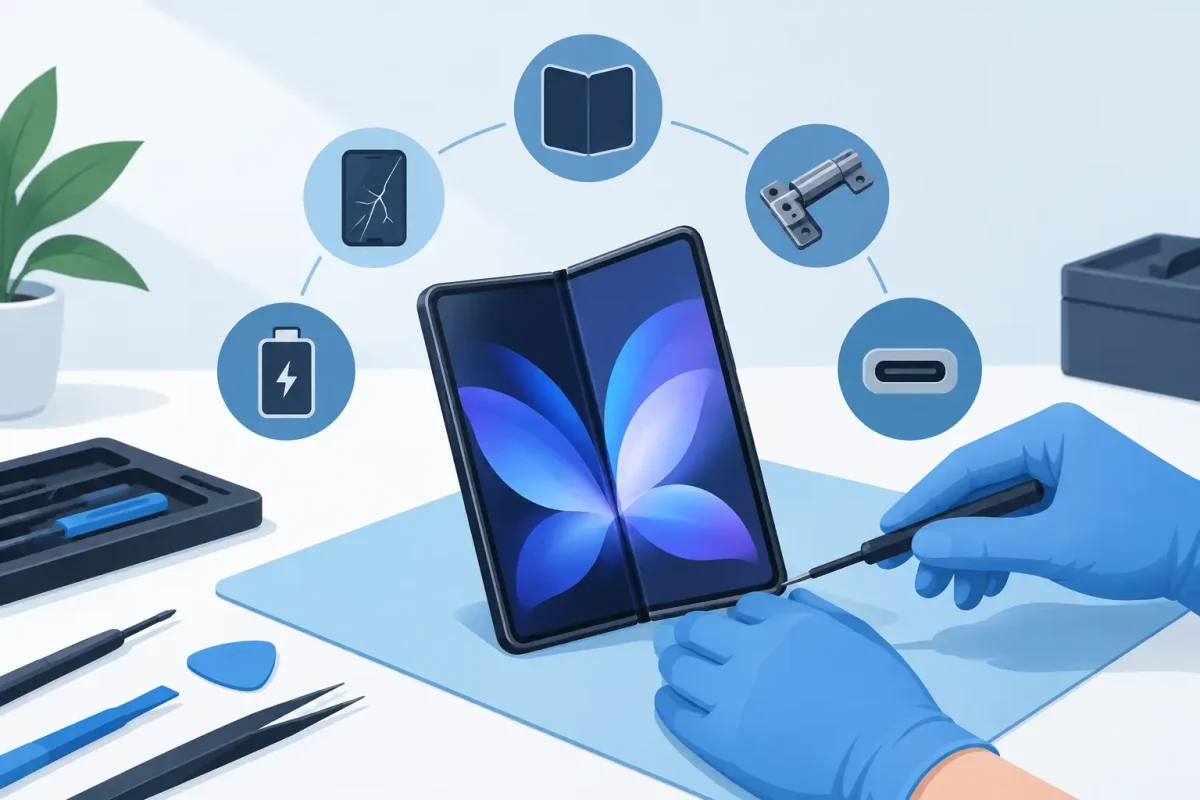
A foldable phone is not just a phone with a larger screen. It is a precision device with two displays, a flexible inner panel, a hinge system, compact cables, and tightly packed components. That is why foldable phone repairs require a different approach than a standard cracked-screen repair. When the screen flickers at the crease, the phone will not open flat, or charging becomes unreliable, a professional diagnostic can tell you whether repair is practical before a small problem turns into a complete failure.
Why Foldable Phones Need Specialized Repair
The feature that makes a foldable phone useful is also what makes it more complex. Every time the phone opens and closes, the hinge moves, the flexible display bends, and internal components work within a very small space. Samsung Galaxy Z Fold and Z Flip models, Google Pixel Fold devices, Motorola Razr phones, and other foldables use different designs, parts, and disassembly methods.
A conventional phone screen is usually a single rigid assembly. A foldable device may have an outer cover screen, an inner folding screen, a preinstalled protective layer, and delicate display connections routed around the hinge. Trying to peel off a damaged protector, force a sticky hinge open, or install a generic part can damage the display underneath.
Professional repair is about more than replacing what looks broken. A certified technician checks the display response, frame alignment, hinge action, cameras, charging function, battery condition, speakers, microphones, and software behavior. That full picture matters because a drop that cracks the outer screen can also affect the housing or internal connections.
The Most Common Foldable Phone Problems
Inner Screen Damage at the Crease
A black line down the middle, flashing pixels, dead touch areas, or a screen that goes dark when unfolded usually points to inner display damage. The crease is designed to flex, but the display can still fail after an impact, pressure in a bag or pocket, or normal wear over time.
A bubbling or lifting screen protector is different from a broken display, but it still deserves attention. On many foldables, the inner protector is part of the screen system. Removing it without the right replacement process can leave the display exposed and may create bigger issues later.
If the inner display has black spots, colored lines, or no response, stop folding and unfolding the phone repeatedly. Continued movement can stress a weakened panel or cable. Back up your data if the device is still usable, then arrange a diagnostic.
Hinge Problems
Your foldable should open and close smoothly. If it stops short of fully opening, feels gritty, makes a new clicking sound, or has visible gaps around the hinge, debris or impact damage may be involved. A hinge problem can also put uneven tension on the display, which is why it should not be ignored.
Not every hinge concern means a full hinge replacement. Sometimes the issue is connected to a bent housing, damaged brush system, or a screen assembly that is no longer seated correctly. The repair option depends on the model, available parts, and whether the phone has additional frame damage.
Never force a foldable phone flat. Forcing the hinge can crack the inner screen and turn a targeted repair into a more expensive display and housing repair.
Outer Screen Cracks and Back Glass Damage
The cover display on a foldable phone works much like the screen on a traditional smartphone, but the repair still requires care around the frame and hinge. A cracked outer screen can affect touch response, front-camera performance, and water resistance. Back glass damage can expose the phone to dust and moisture or leave sharp edges that make daily use uncomfortable.
These repairs may be more straightforward than inner display service, but the technician still needs to inspect the phone for bending and hidden impact damage. A phone that closes unevenly after a drop may need more than new glass.
Battery, Charging, and Software Issues
A foldable phone that dies quickly, gets unusually warm, will not charge, or only charges at certain angles may have a battery, charging port, cable, or software issue. Since foldables are often used heavily for multitasking, video, work, and navigation, battery wear can become noticeable sooner than expected.
Charging problems are not always a bad port. Pocket lint, a damaged cable, moisture exposure, or a worn battery can cause similar symptoms. A proper diagnostic separates these issues so you do not pay for the wrong repair.
Software troubleshooting also matters. Random restarts, apps that crash when the phone is unfolded, or a display that behaves inconsistently may be caused by an update or setting rather than failed hardware. A technician can help rule out software problems before recommending a part replacement.
What to Do Before Bringing in a Foldable
If your phone still turns on, back it up as soon as possible. Save photos, messages, authenticator information, and work files to your preferred cloud service or computer. A screen issue does not always affect your data, but backup is the smart move before any device repair.
Avoid tape, super glue, household cleaners, and heat. Tape can pull on the screen protector or leave residue near moving parts. Glue can seep into the hinge or display layers. Heat can weaken adhesives and damage the battery. If the screen is lifting or the housing is separating, do not press it back into place.
Remove your case if it is pushing against the hinge or preventing the phone from closing naturally. Then bring the phone in with its passcode available if you want the technician to test features after the repair. If the phone has been exposed to water, power it off and avoid charging it until it has been inspected.
Can a Foldable Phone Be Repaired Instead of Replaced?
Often, yes. A cracked cover screen, worn battery, charging issue, damaged back glass, camera problem, or certain inner-screen failures may be repairable. Whether repair makes financial sense depends on the model, age, condition, parts needed, insurance coverage, and the phone’s resale value.
Repair is usually worth considering when the device is otherwise working well, has enough storage for your needs, and costs significantly less to fix than replacing it. It can also be the better choice when you need your files, apps, and settings available quickly without the hassle of setting up a new device.
Replacement may make more sense when the phone has severe inner-screen damage, a bent frame, hinge failure, water damage, and multiple failing components. There is no one-size-fits-all answer. A clear diagnostic and upfront estimate let you compare your options without surprises.
For Charlotte-area owners, Device Doctor can inspect foldable phone issues and explain the practical repair path in plain language. The goal is not to sell you a repair you do not need. It is to get your phone working reliably again, with transparent pricing and service you can feel good about.
How to Protect Your Foldable After Repair
Foldables need normal care, not constant worry. Use a case designed for your exact model, keep the hinge area clear of sand and debris, and avoid placing the phone where it can be sat on or crushed. Do not place coins, cards, or keys between the two halves before closing it.
Be mindful of pressure on the inner display. The panel is built for folding, but it is not designed for sharp objects or heavy force. Use a soft microfiber cloth for cleaning, and do not use sprays directly on the phone. If the factory screen protector begins lifting, have it evaluated rather than pulling it off yourself.
Pay attention to small changes. A new line at the crease, a hinge that feels tighter than usual, inconsistent charging, or a screen that only works in one position is easier to address early. Getting a professional opinion promptly can protect both your device and your budget.
A foldable phone should make work, school, messages, and entertainment easier, not leave you planning around a failing screen or stubborn hinge. If yours is cracked, flickering, not charging, or refusing to open correctly, a careful diagnostic is the fastest way to move from uncertainty to a clear repair decision.






