Face ID Repair Charlotte: What to Do Next
August 11, 2026
PlayStation HDMI Port Repair Charlotte Help
August 13, 2026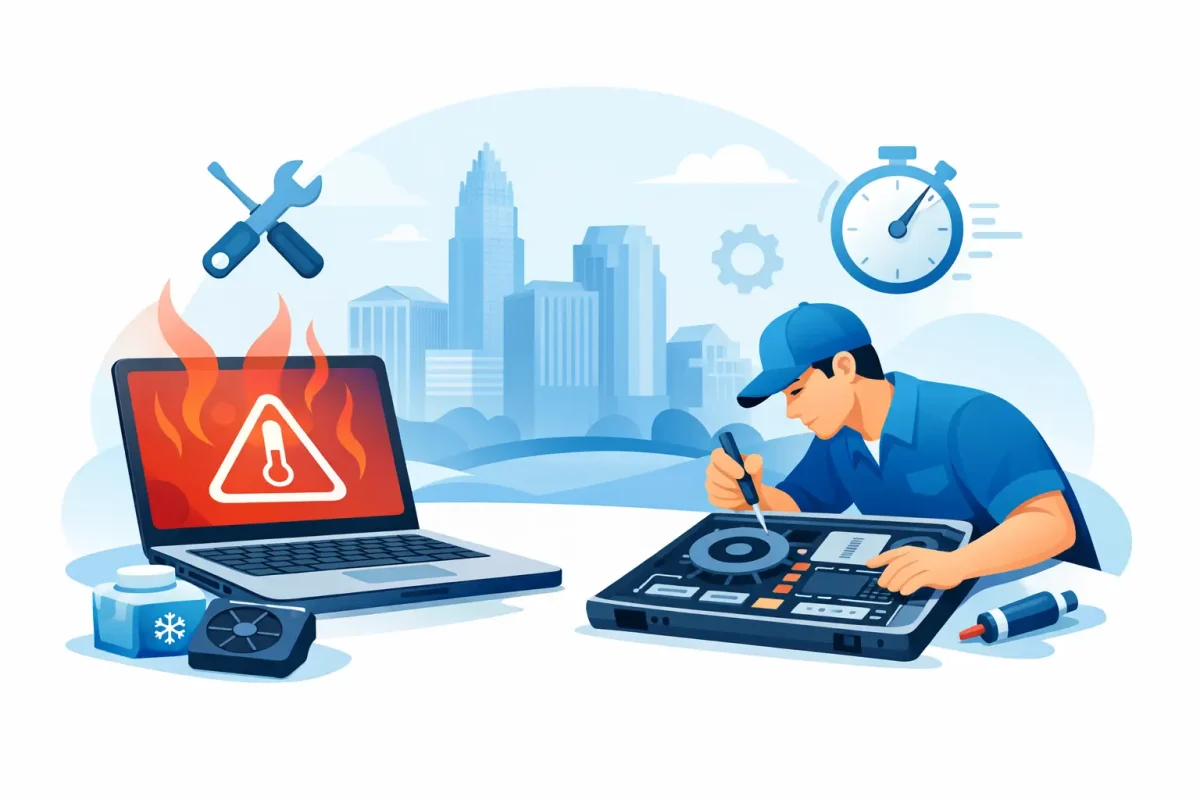
A laptop that sounds like a tiny jet, feels hot near the keyboard, and slows down when you need it most is not just annoying. It is a warning. For dependable laptop overheating repair Charlotte residents can count on, the first step is knowing whether your computer needs a simple cleanup, a settings adjustment, or a professional hardware repair.
Heat can shorten battery life, cause sudden shutdowns, damage internal components, and put your files at risk. The good news is that many overheating problems can be diagnosed clearly and repaired without replacing the entire laptop.
Why Laptops Overheat
Every laptop creates heat while it works. The processor, graphics chip, battery, and charging system all generate it. Fans, vents, heat sinks, and thermal material move that heat away before it becomes a problem.
Overheating starts when that cooling system cannot keep up. Dust is a common reason, especially in laptops used around pets, in bedrooms, in work bags, or on soft furniture. Dust blocks air vents and coats the fan blades, reducing airflow even when the fan is running at full speed.
A failing cooling fan is another frequent cause. You may hear rattling, grinding, clicking, or no fan noise at all. If the fan cannot move air properly, the laptop may become hot quickly after startup or shut down during video calls, gaming, editing, or other demanding work.
Old or poorly applied thermal paste can also be the issue. This material transfers heat from the processor or graphics chip to the heat sink. Over time, it can dry out and lose its ability to conduct heat. Repairing it requires careful disassembly, which varies significantly by laptop model.
Sometimes the hardware is fine, but the workload is not. Too many startup apps, a browser packed with tabs, malware, a system update running in the background, or a demanding game can push a laptop beyond what its cooling system can handle. A proper diagnostic separates a software-related heat problem from a failing internal part.
Signs You Need Laptop Overheating Repair in Charlotte
Warm air from a vent is normal. A laptop that is painful to touch, repeatedly crashes, or loses performance is not. Do not ignore the issue just because the computer still turns on.
Watch for a fan that runs loudly almost all the time, frequent blue screens or unexpected restarts, a keyboard or bottom case that gets extremely hot, and noticeable slowdown during basic tasks. You may also see a warning that the battery cannot charge because its temperature is too high.
Gaming laptops can run warmer than a lightweight school or office laptop, particularly during long sessions. That does not automatically mean something is broken. But if performance suddenly drops, the fan sound changes, the system shuts off, or temperatures have risen compared with normal use, it is time to have it checked.
A swollen battery needs immediate attention. If the trackpad is lifting, the case is separating, or the keyboard appears raised, stop using and charging the laptop. Battery swelling is not a problem to press back into place or manage with a cooling pad. It needs professional service.
What You Can Safely Try First
Start with the surface under the laptop. A bed, couch, blanket, pillow, or lap can block intake vents. Place the computer on a hard, flat desk or table and make sure the vents have room to breathe. A basic raised stand can help airflow, but it will not fix a blocked fan or internal cooling failure.
Next, save your work and restart the device. Open Task Manager on a Windows PC or Activity Monitor on a Mac to see whether one application is consuming an unusually high amount of processor power. Closing an unused program or browser tab can lower temperatures quickly.
Keep your operating system and security software current. Malware and unwanted background programs can force a processor to work continuously. If the laptop gets hot mainly when it is plugged in, test the charger and charging port as well. A damaged charger, failing battery, or charging issue can contribute to excessive heat.
Avoid spraying compressed air deep into the laptop without opening it properly. It can push dust farther inside, spin a fan too fast, or leave debris lodged against the heat sink. Also avoid freezer tricks, wet cloths, and homemade cooling methods. Condensation and moisture can turn a heat issue into water damage.
When a Professional Diagnostic Makes Sense
If the laptop still overheats after being used on a clear, hard surface and closing heavy apps, a diagnostic is the sensible next move. The goal is not to guess which part is bad. It is to identify the cause before you spend money on a repair that does not solve the problem.
A technician can inspect the fan, internal vents, heat sink, thermal paste, battery condition, charging system, and software activity. On many laptops, reaching the cooling system requires removing the bottom case, battery, storage drive, and other delicate parts. Some models use compact layouts or adhesive that make DIY disassembly risky.
The right repair depends on the diagnosis. A dust cleanup may be enough for a laptop that has gradually become louder over several years. A fan replacement is more likely when there is grinding noise or no airflow. Thermal paste service can help when components are clean but temperatures remain high. If a swollen or degraded battery is producing heat, battery replacement may be the priority.
There are trade-offs. An older entry-level laptop with multiple failing components may not be worth a major repair, while a newer MacBook, work laptop, gaming system, or device holding important files is usually worth evaluating. A transparent diagnostic helps you make that decision based on condition, repair cost, and how you use the computer.
Protect Your Files Before the Heat Gets Worse
Overheating can cause abrupt shutdowns, and abrupt shutdowns can corrupt open files or damage an operating system over time. Back up important schoolwork, photos, business documents, and login information as soon as the computer is stable enough to do so.
If the laptop is shutting down before you can back it up, do not keep forcing it through long sessions. Repeated thermal shutdowns can add stress to the system. A repair technician may be able to assess the device and help you plan the safest path for protecting data before repair work begins.
For work and school laptops, take note of when the heat occurs. Does it happen only while charging? During Zoom meetings? While using a second monitor? After 10 minutes of gaming? Those details make diagnosis faster and help distinguish normal heavy-use warmth from a repair issue.
Fast, Local Help for an Overheating Laptop
You should not have to choose between working with a hot, unreliable laptop and replacing a device that may be repairable. Device Doctor provides laptop diagnostics and repairs for common Windows PCs, Macs, and gaming laptops, with certified technicians who can explain the issue in plain language before moving forward.
For customers in Charlotte, Pineville, Concord, and nearby communities, a local repair visit can save time and remove the uncertainty of trying to troubleshoot internal hardware at home. Bring the laptop, charger, and a quick description of the symptoms. If you have noticed strange fan noise, battery swelling, sudden shutdowns, or a recent drop in performance, mention that at check-in.
A cooling pad may make a warm laptop more comfortable for a while, but it should never be the plan for a computer that is burning hot, crashing, or shutting off. Get the cause checked, protect your data, and give your laptop the repair it needs before a small cooling problem becomes a bigger one.