
Phone Water Damage Repair in Charlotte, NC
August 10, 2026
Laptop Overheating Repair Charlotte: Fast Fixes
August 12, 2026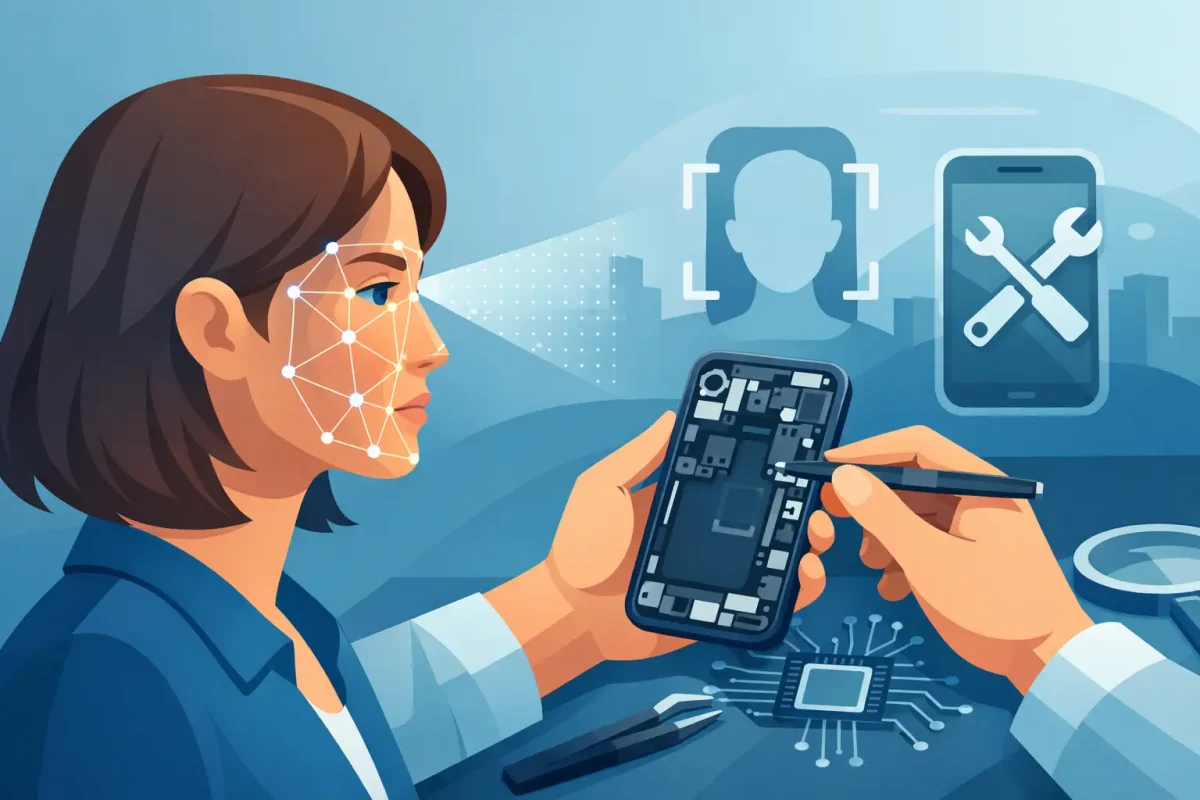
Your iPhone asks for a passcode every time you try to unlock it. Apple Pay will not authenticate. The Face ID setup screen may show an error, or it may simply refuse to recognize you. When that happens, Face ID repair Charlotte customers can trust starts with a real diagnosis – not a rushed part swap.
Face ID is tied to security hardware inside your iPhone. That makes it different from replacing a cracked screen, worn battery, or charging port. A certified technician needs to identify what failed, protect the device’s paired components, and give you an honest answer about the repair path before work begins.
What Face ID Failure Looks Like
A Face ID problem does not always look the same. Some phones stop recognizing a face after a drop. Others show the message, “Face ID has been disabled,” after liquid exposure or a previous screen repair. You may also see “Face ID is not available” when trying to set it up again.
Before assuming the hardware has failed, rule out the simple issues. A smudged or covered front sensor area, a bulky screen protector, or an iOS glitch can interfere with recognition. Restart the phone, update iOS if an update is available, and make sure the top front sensor area is clean and unobstructed. If Face ID still will not set up or work consistently, it is time for professional diagnostics.
A passcode prompt after restarting your iPhone is normal. Apple requires a passcode after a reboot, after extended time without unlocking, or in certain security situations. That is not the same as a failed Face ID system. The concern is when Face ID does not return after you enter the passcode.
Why Face ID Repair Is More Complex Than a Screen Repair
Your iPhone’s TrueDepth camera system uses several tightly connected components to create facial recognition data. These include an infrared camera, flood illuminator, dot projector, and related front sensor assemblies. The hardware works with the phone’s security system, which is why Face ID cannot be treated as a generic replacement job.
On many iPhone models, key Face ID components are paired to the device’s logic board. Replacing a damaged component with an unrelated part can leave Face ID unavailable, even when the new part physically fits. That is why low-cost DIY kits and quick swaps can create a bigger issue than the original problem.
Damage can occur after a hard impact, water exposure, corrosion, a torn flex cable, or an earlier repair where delicate front sensor components were damaged. A screen repair itself does not automatically cause Face ID failure. However, the top sensor assembly must be transferred and handled carefully. If it was already compromised by the drop that cracked the screen, the Face ID issue may only become obvious afterward.
This is also why a proper inspection matters. A phone with a broken display and failed Face ID may have one root cause, or it may have two separate problems. The right recommendation depends on the specific model, the device condition, and whether the original paired components can be preserved or repaired.
Face ID Repair Charlotte Diagnostics: What Happens First
When you bring in an iPhone for Face ID trouble, the first step should be testing, not guessing. A technician checks the symptoms, looks for signs of impact or moisture, examines the display and front sensor area, and determines whether the issue is software-related or hardware-related.
The diagnostic process may include checking whether the iPhone can enter Face ID setup, whether the front camera works, and whether the proximity and ambient light sensors respond normally. These functions can help point to damage in the front assembly, but they do not tell the complete story by themselves.
If the phone has been exposed to water, timely service matters. Moisture can cause corrosion that continues spreading after the initial incident. Do not charge a wet iPhone or keep testing it repeatedly. Turn it off if possible and bring it in for inspection. A technician can assess the damage and explain whether a board-level repair, component repair, or another solution is realistic.
At Device Doctor, customers can expect clear diagnostics and straightforward pricing before moving forward. Not every Face ID issue has the same fix, and no one should promise a repair before seeing the device. A transparent assessment helps you decide whether repairing the phone makes sense compared with replacement or trade-in.
When a Repair Is Worth It
Face ID is more than a convenience feature. It is used for unlocking your phone, approving Apple Pay purchases, accessing saved passwords, and signing into apps. If the rest of your iPhone is in good shape, restoring this function can make everyday use much easier.
Repair is often worth considering when the phone has a healthy battery, a good display, and enough storage for your needs. It can also be a practical choice when the device is paid off and replacing it would cost far more than addressing the issue. If the phone also needs a screen, battery, housing, or charging-port repair, a technician can help you understand the combined cost before you commit.
There are times when replacement may be the better call. Severe liquid damage, major logic board damage, multiple failing components, or an older phone with a weak battery can change the value equation. A good repair shop will not pressure you into work that does not make financial sense. It will explain the options clearly.
Protect Your Data Before Service
Most repairs are completed without needing access to your personal photos, messages, or accounts. Still, every device owner should back up their iPhone before any repair whenever possible. Use iCloud or back up to a computer, especially if the phone has water damage or is restarting unexpectedly.
Do not share your Apple ID password. If a technician needs to test Face ID or other phone functions, you can enter the passcode yourself or use a temporary approach based on the shop’s testing process. You may need to disable Find My before certain service options, so be prepared to do that only when instructed.
If your display is damaged but still usable, back up the phone before it gets worse. If the screen is black or touch is not responding, let the technician know. There may be options to restore enough function for a backup, but that depends on the type of damage.
Avoid These Common Face ID Mistakes
The biggest mistake is assuming any front camera part will restore Face ID. The selfie camera may work while Face ID remains unavailable because the TrueDepth system involves more than one component. Another common mistake is continuing to use a phone after liquid exposure. Time, heat, and charging can make corrosion worse.
Be cautious with unusually cheap repair quotes that do not mention diagnostics, part quality, or the paired nature of Face ID hardware. Ask what the repair includes, whether the phone will be tested before and after service, and what happens if diagnostics reveal additional damage. Clear answers are a good sign.
It also helps to address a cracked screen promptly. The top edge of the display is close to sensitive Face ID components, and broken glass can allow dust or moisture into areas that should stay protected. A quality screen repair can protect the rest of the phone from avoidable damage.
Get a Clear Answer Before You Replace Your iPhone
A failed Face ID system is frustrating, but it does not automatically mean your iPhone is done. Whether the cause is a drop, moisture, a damaged sensor assembly, or a software issue, the right next step is a careful diagnosis from technicians who understand iPhone repair.
Bring your device to a nearby Charlotte-area Device Doctor location in Pineville or Concord for an assessment. You will get a practical explanation of what is wrong, what can be repaired, and what option best fits your phone and budget. A clear answer today can save you from spending money on the wrong fix tomorrow.